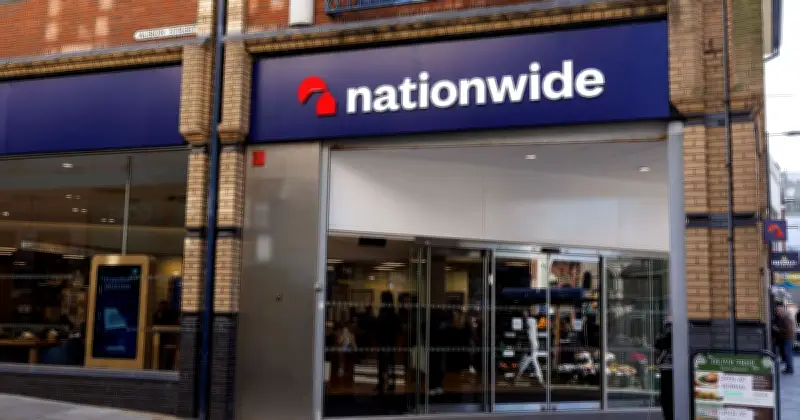
Nationwide customers are being urged to check their banking app or messages. The building society, which serves more than 16 million customers, notes that people should set up one-time passcodes (OTPs) to protect their finances or use their app. These codes are used at online checkout to confirm it’s really you making the payment and are sent by text, phone call, or email to your registered contact details. OTPs make online shopping more secure by adding an extra step to check your identity. Instead of just entering card details, you also need a code that only you can receive.
To avoid problems when shopping online, you should make sure your contact details are up to date and that you can receive OTPs. Nationwide notes: "Text messages in the UK are free, but some network providers might charge for receiving these abroad. Check with your network provider." You’ll know it’s a genuine text message or email if you get it just after you (or the joint account holder) have entered your card details online and it contains the last 4 digits of your card number.
Why do I need to authenticate a payment?
Nationwide explains that when shopping online with your debit or credit card, you may be prompted to authenticate yourself with Visa Secure. It explains: "This is just to let us know it’s really you making the payment, and the fastest way to do this is with our app. This authentication step is part of a regulation for all financial providers in the UK to help fight fraud and increase the security of your online payments. It’s called ‘Strong Customer Authentication’. And it’s there to keep your money safe and stop scammers from using your card online." You can use the app, an OTP, or a card reader. These extra steps help protect you from scammers.
I'm having issues with OTPs, what can I do?
If you don’t receive a one-time passcode: Request a new code (you can do this up to three times). If using an SMS code, check your mobile signal. Try WiFi calling if it’s available. If using an email code, refresh your inbox. Check your spam or junk folders. If you receive a code you didn’t request: Check whether your details are linked to a joint account. Check if there is a power of attorney on the account. If neither applies, treat it as a potential fraud attempt. Report it straight away to your bank or provider.
How can I spot a passcode scam?
Nationwide is not the only bank that uses OTPs, as many other banks and retailers also provide this security feature to protect customers. However, Lloyds Bank warns that scammers may try to trick people into revealing passwords over the phone, so you should always stay cautious. It explains: "If a fraudster steals your personal or banking details, they could call you to pretend to be your bank. They may ask you for a passcode, one-time password or to approve a payment on your banking app, making up reasons why you should tell them, such as to: Stop a fraudulent payment, Refund your account, Secure your account." Lloyds warns: "If you get a call like this, hang up. We’ll never call you to ask for any of these things."