Windrose Co-op Guide: How Many Players Can Join and How to Connect with Friends
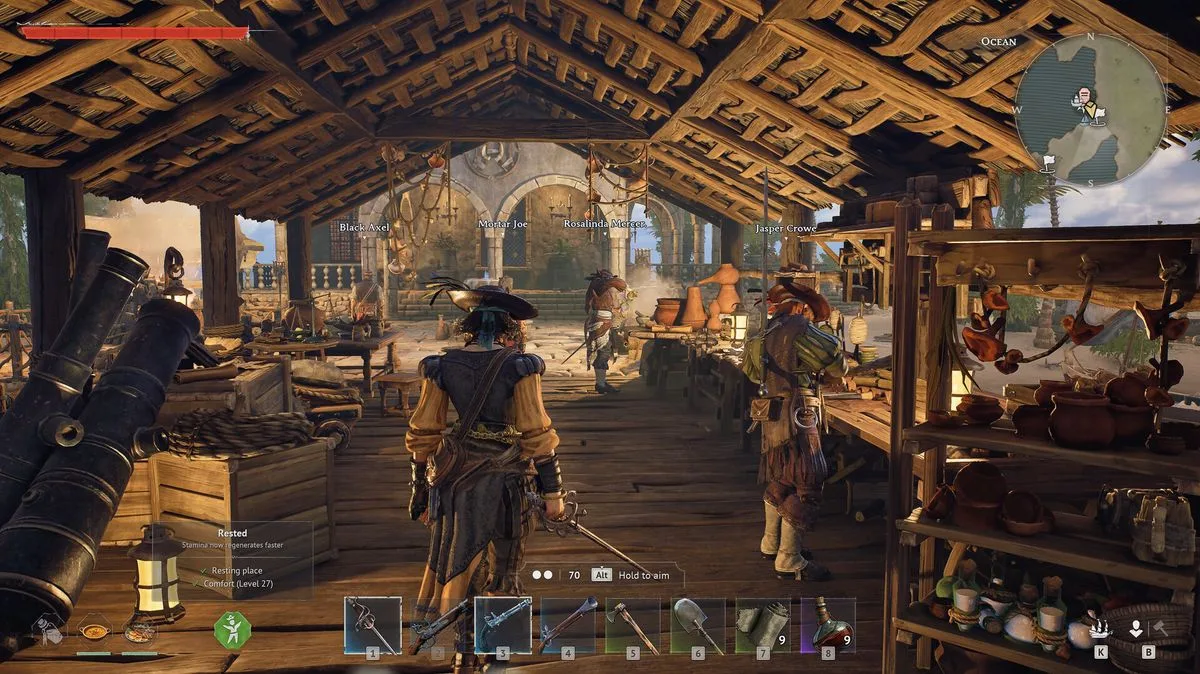
Assemble your crew in Windrose with these straightforward steps. Originally launched as an MMO, Windrose has evolved into a PvE experience that is ideal for cooperative play with friends. This pirate adventure game offers the ultimate scoundrel fantasy, allowing you to customise your own ship, sail the high seas, plunder treasure, and build settlements along the way.
Like many gaming experiences, Windrose is significantly enhanced when played with friends. Here is a detailed explanation of how many crewmates you can team up with and the precise methods for joining them in the game.
How Many Players Can Participate in Windrose?
Windrose supports co-op gameplay for up to eight players on a single server. You are not required to fill the server completely; you can enjoy the game with just one other person if you prefer. However, the game provides the flexibility for up to seven additional friends to join your instance of Windrose, making it a versatile option for group play.
Multiplayer in Windrose operates through a couple of different methods. You can host a game locally, which means the server is only active while you are online. Alternatively, you can set up a dedicated server that runs continuously in the background, even when you are not logged in. This option is best for players who do not want to depend on one individual constantly hosting, though it involves using third-party tools that are beyond the scope of this basic guide.
For those interested in dedicated servers, an official walkthrough is available on the Windrose website to assist with the setup process.
How to Join Friends in Windrose
If you are simply looking to join local games with friends in Windrose, the process is much more straightforward. Here is a step-by-step guide to hosting other players:
- Load up Windrose on your gaming platform.
- Select 'Host a Game' from the options menu.
- Create a new world or choose one you have already made.
- Note the invite code that appears on screen and share it with the friend you wish to invite.
- Choose the maximum player count and set a password for added security.
- Press the 'Host' button to start the server.
Joining other players follows a similar procedure, except instead of selecting 'Host a Game', you will need to press 'Connect to server'. Enter the invite code provided by the friend you want to join, and you should load into their world within seconds.
That covers everything you need to know about joining friends and hosting games in Windrose. Whether you are sailing solo or with a full crew, these tips will help you make the most of your pirate adventures.