Top Security Camera Features to Safeguard Your Home from Intruders
Home security cameras have become more affordable and advanced than ever before. However, with technological advancements comes a surge in features that can overwhelm buyers. Manufacturers often pack their latest models with numerous functions and gimmicks, making it challenging to identify what truly matters. Instead of seeking a camera that includes every possible feature—such as dog detection, AI voice assistants, or radar technology—it is wiser to concentrate on the essentials that meet your specific needs.
In many instances, the ideal security camera for you is not necessarily the most expensive or the one with the most impressive specifications. It is the device that is user-friendly and delivers reliable results in the simplest manner possible. This guide outlines the must-have features for your next security camera purchase, helping you make an informed decision without getting bogged down by unnecessary extras.
1. Video Quality: Finding the Right Resolution
While some high-end cameras, like the Ring Outdoor Cam Pro, offer 4K video resolution, you might not require such a high level of detail. Although 4K provides more pixels than 2K or 1080p, other factors such as sensor size, lens aperture, and video bitrate significantly influence the overall quality of recordings. As of 2026, the optimal resolution is 2K, also known as 1440p. This surpasses Full HD (1080p) in clarity without generating the large file sizes and increased power consumption associated with 4K—crucial considerations for battery-powered cameras using cloud storage.

It is important to note that 2K resolution is sufficiently sharp to capture vital details like facial features and vehicle license plates, without overwhelming storage capacity or draining battery life. Additionally, pay attention to frame rate and the availability of HDR (High Dynamic Range). A higher frame rate produces smoother footage that retains more detail when slowed down, while HDR enhances detail in both brightly lit and dark areas of the video.
2. Local Storage: Avoiding Ongoing Costs
To sidestep recurring cloud storage fees, local storage is an essential feature. This involves saving recorded video directly to the camera itself, onto an inserted memory card, or to a dedicated storage hub within your home. With this setup, footage remains accessible indefinitely, has no expiration date, and is yours to keep permanently at no additional cost.
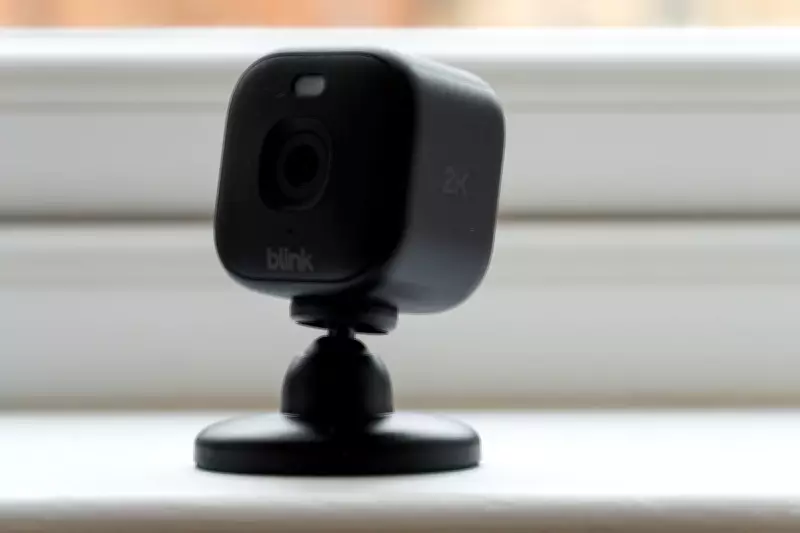
In contrast, cloud storage services, such as those offered by Ring, require a subscription fee—starting at £4.99 per month for Ring Protect and £2.50 for Blink—which can be paid monthly or annually. Another advantage of local storage is future-proofing your system. If a cloud-based company shuts down, merges, or suffers a cyberattack, your recordings could be compromised, a risk that is mitigated with local storage. However, cloud storage can serve as a useful off-site backup that is protected from physical damage or theft.
3. Activity and Privacy Zones: Customising Recordings
Most security camera applications allow you to create activity and privacy zones, which determine what is recorded and what is excluded. Both types of zones can typically be drawn directly onto the camera's field of view. Activity zones instruct the camera to respond only to motion detected within specific areas. For example, by drawing an activity zone around your garden gate, you will not receive notifications or recordings for movement on the lawn or patio. This feature also helps filter out unwanted alerts when the camera overlooks a neighbour's driveway or nearby pavement.
Privacy zones function similarly but add a black privacy blocker to obscure sensitive locations, such as a neighbour's home, ensuring they are not captured in your recordings. This customisation enhances both security and privacy.

4. Strong Night Vision: Ensuring Clear Footage After Dark
Night vision is available in several forms, including infrared, colour, and spotlight-assisted options. Infrared night vision is the most common, using invisible infrared light to produce greyscale footage even in complete darkness. Colour night vision, found on newer models like those from Eufy, utilises advanced imaging sensors, such as the Sony Starvis, to capture colour video in low-light conditions. Some cameras also employ AI to enhance video quality, with recent Eufy models like the S3 Pro and S4 excelling at producing bright, full-colour footage at night.
Additionally, certain security cameras combine infrared night vision with a spotlight that activates upon motion detection, enabling colour recording and acting as a deterrent to intruders. It is advisable to avoid directing the spotlight towards neighbouring properties to prevent disturbances.
5. A Simple App: Prioritising Ease of Use
As highlighted earlier, some security camera manufacturers are guilty of feature creep, which is particularly evident in their smartphone apps. These applications are often cluttered with adjustable settings and features that many users do not need. While you might appreciate advanced functionalities like the AI voice assistant in Swann's video doorbells or the radar technology in Ring's Pro cameras, simplicity should be a priority if your goal is basic security monitoring.
Look for models with straightforward apps, such as Blink for budget-friendly options or Tapo by TP-Link. Ultimately, there is no one-size-fits-all home security camera, but by considering these five key factors and determining which are most important to you, you can confidently select the right camera to protect your home effectively.