If your Wi-Fi isn't reaching certain parts of your home, the placement of your router could be to blame. Wi-Fi can reach more areas when you move your router away from five common household appliances.
During the summer months, when warm and sunny weather is plentiful, you might spend more time in your garden, a place you wouldn't frequent at other times of the year. This could lead you to notice that your Wi-Fi doesn't extend as far as you'd like, and you might consider upgrading to a more expensive plan. However, don't jump to that option immediately. The issue could simply be the placement of your router.
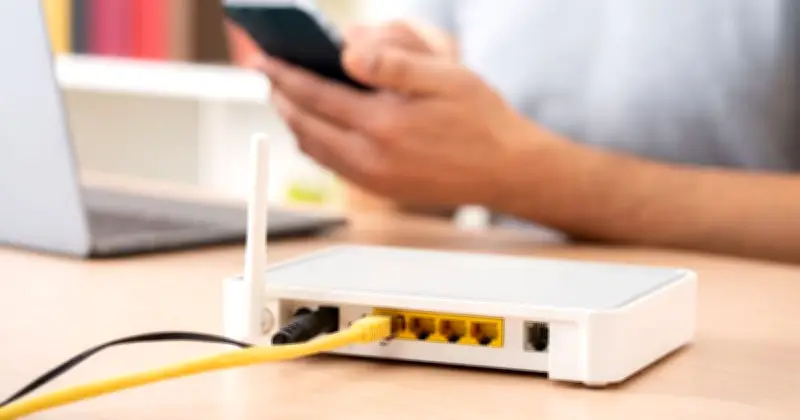
Routers are devices responsible for distributing your internet connection throughout the house. Think of Wi-Fi signals like light; visualize how they travel around your home and what might block them from reaching every corner. As a general rule, always place Wi-Fi routers up high and in an open area. However, there are also specific devices and appliances you should keep far away.
Appliances That Can Block or Disrupt Wi-Fi Signals
According to Sam Jenkinson, a garden room expert for Tiger Modular, the following appliances can block or disrupt your signal when placed close to your router:
- TVs
- Microwaves
- Baby monitors
- Bluetooth or smart speakers
- Fridges
Jenkinson explained: "When placing your Wi-Fi router, avoid positioning it near thick walls, metal surfaces, or large electronics like TVs and fridges, as these can absorb or block the signal. Similarly, devices like microwaves, cordless phones, baby monitors, and Bluetooth gadgets can interfere with the connection because they operate on the same frequencies as many Wi-Fi signals."
Interestingly, mirrors and fish tanks can also disrupt signal strength by reflecting and absorbing the signal. While it might be tempting to hide your router in a cupboard or behind furniture for aesthetic reasons, doing so can dramatically reduce performance. Instead, aim to place it centrally, elevated, and in the open. Think of Wi-Fi like light from a lamp: the more visible and unobstructed it is, the better it works throughout your space.
Consider Upgrading Your Router
Additionally, Jenkinson noted that it might be worth upgrading to a more modern router if your Wi-Fi isn't reaching every corner of your home. He said: "Your router is the heart of your setup. If it’s old or outdated, it might not be capable of delivering a strong signal to the far corners of your property, let alone the garden. Upgrading to a modern, high-spec router can dramatically improve coverage and speeds."
He added: "The first thing to consider is how far your garden room is from your main house and how it’s powered, as this will determine which type of connection method is right for you. For instance, if your garden room is within a reasonable range and already picks up some Wi-Fi signal, a Wi-Fi extender or mesh system can help improve it. Wi-Fi extenders work by rebroadcasting your router’s signal to reach further, while mesh systems use multiple devices that communicate wirelessly to create a seamless wireless network that blankets your home and garden. They’re both great for smaller setups or when the distance isn’t too extreme."