Phones as Pollen Carriers
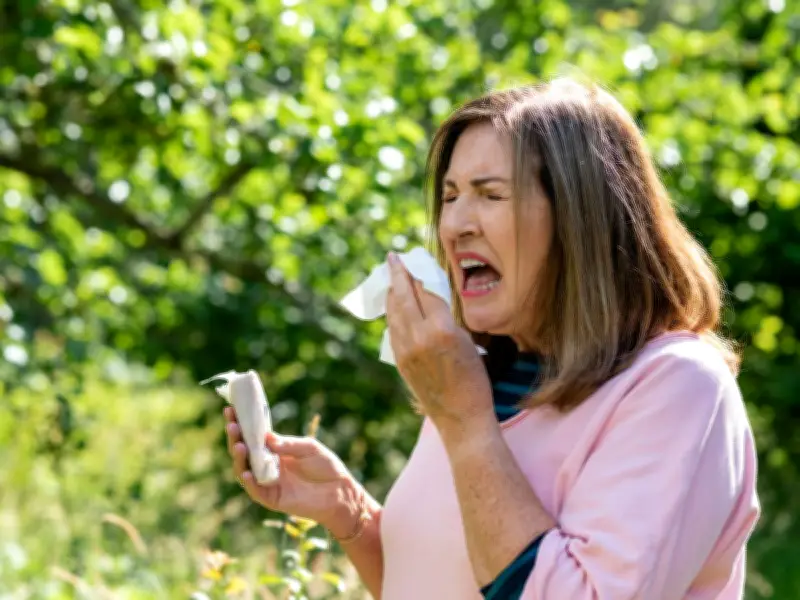
Hay fever sufferers are being warned that mobile phones can act as a 'hidden pollen trap', potentially worsening symptoms during the current UK heatwave. The Met Office has forecast high to very high pollen levels across several areas this week, with heatwaves often creating 'pollen bombs'—sudden spikes in pollen release, as defined by the Royal Meteorological Society (RMS). These spikes occur when warm weather triggers plants to release stored pollen in greater quantities, which wind then spreads widely.
Mobile phone recycling site Compare and Recycle has highlighted that phones, which are handled constantly and held close to the face, can collect and transfer pollen. Pharmacist Ana Carolina Goncalves, working with Compare and Recycle, explained: 'Pollen grains are small and adhesive particles, which can stick to surfaces rather than being blown away, and a phone can be a particularly easy surface for them to settle on.' She added that phones often go everywhere with us, indoors and out, and can transfer pollen to the skin around the eyes, nose, and mouth.
Symptoms and Risks
Pollen transferred from a phone can worsen allergic conjunctivitis—itchy, watery, or red eyes—as well as nasal symptoms like sneezing, runny or blocked nose. While skin contact is usually less concerning, those with sensitive skin may notice irritation. 'What makes phones easy to overlook is that people may clean worktops, wash clothes or shower after being outside to prevent hay fever symptoms, but for some, it might not be obvious to clean the device they keep picking up all day,' Goncalves noted.
Lee Elliott of Compare and Recycle emphasized that phones have 'hidden pollen reservoirs' in small divots, grills, and gaps between screen protectors and cases. Smudges on screens can also carry natural oils that pollen sticks to. Over-cleaning with wrong products can degrade the device's materials and reduce trade-in value.
Cleaning Tips
To minimize exposure, Elliott recommends using a dry, clean microfiber cloth to remove surface pollen daily, reserving 70% isopropyl alcohol wipes for deeper cleaning every few days to avoid damaging the oleophobic coating. For charging ports, a soft, dry brush (like a clean toothbrush) is safer, as liquid cleaners can cause damage. Pollen buildup in ports can also interfere with charging, potentially reducing resale value.
Regular cleaning, especially during high pollen season, can help reduce repeated pollen exposure from phones.