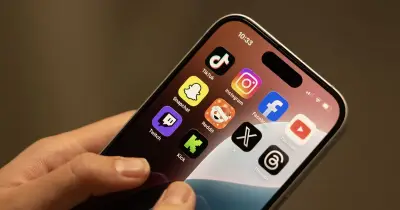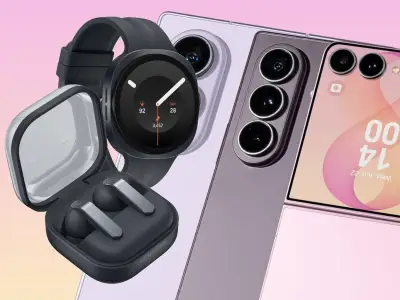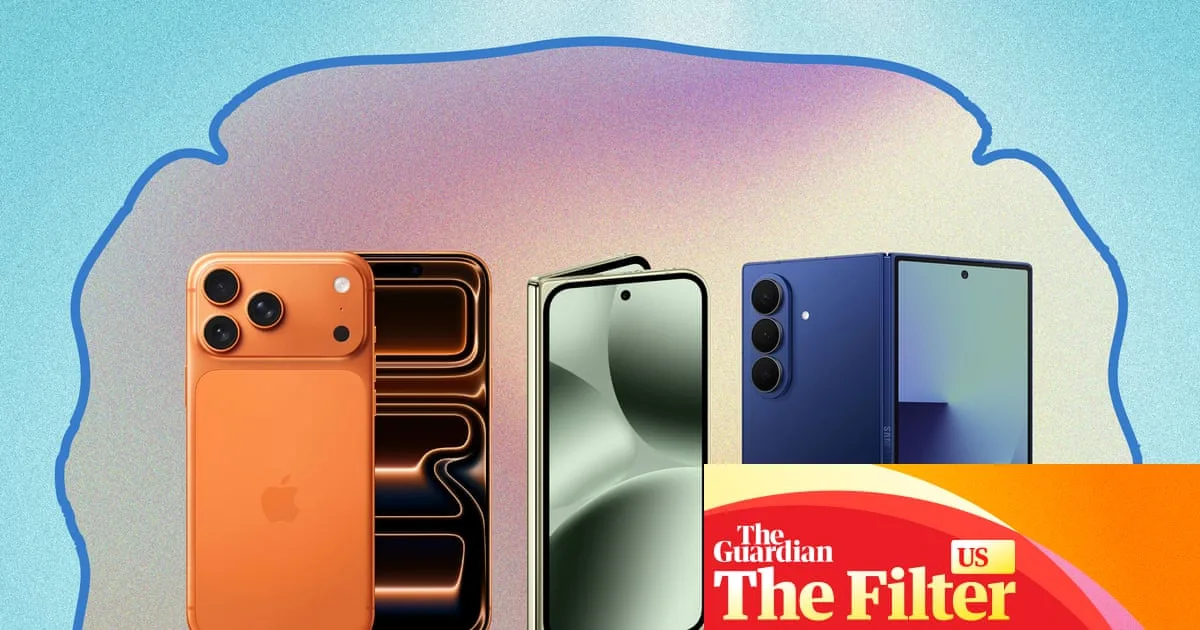
For many, the natural ageing process brings changes to vision, making the small text and complex interfaces of modern smartphones a daily challenge. Finding a mobile phone that is both powerful and easy on the eyes has become a priority for a significant portion of the population. This guide examines the leading smartphones in 2025 that excel in display technology and built-in accessibility features, specifically designed to support ageing eyes.
Key Features for Enhanced Readability and Comfort
When selecting a smartphone for ageing eyes, several critical factors come into play. A large, high-quality screen is paramount. Look for models with bright, high-contrast displays that remain clear in various lighting conditions, including bright sunlight. Resolution is also crucial; a sharp screen reduces eye strain when reading text or viewing images.
Beyond the physical screen, software features are equally important. Robust accessibility settings allow users to customise their experience significantly. This includes the ability to increase font size system-wide, not just in specific apps. High-contrast modes and options to bold text can make icons and letters stand out more clearly. Additionally, features like magnification gestures and voice assistants can reduce dependency on perfect vision for navigation.
Top Contenders in the 2025 Market
The market in 2025 offers several standout models that cater superbly to these needs. One of the leading choices is expected to be the iPhone 17 Pro Max. Apple's commitment to accessibility is deeply integrated into its iOS operating system. The phone's ProMotion display, with its adaptive refresh rate, offers smooth scrolling, while its peak brightness ensures excellent outdoor visibility. The Zoom and Larger Text settings are incredibly comprehensive and easy to configure.
On the Android side, the Samsung Galaxy S25 Ultra is a formidable competitor. Samsung's screens are renowned for their vibrancy and clarity. The device includes a dedicated Easy mode which simplifies the home screen with larger icons and a streamlined layout. Furthermore, its advanced eye comfort shield helps reduce harmful blue light emission, which can disrupt sleep patterns and cause strain.
For those seeking a more budget-friendly option without major compromises, the Google Pixel 9a presents a compelling case. It runs a clean version of Android with Google's thoughtful accessibility features front and centre. The TalkBack screen reader and Sound Amplifier are particularly robust, and the display offers true-to-life colours and excellent sharpness for its price point.
Practical Tips for Choosing and Setting Up Your Device
Selecting the right phone is only the first step. Proper configuration is key to maximising comfort. Start by exploring the phone's Accessibility or Vision settings menu immediately after setup. Here, you can adjust text size, enable bold fonts, and increase display contrast. Don't hesitate to experiment with these settings in different environments to find what works best for you.
Consider also the physical aspects of using the phone. A device with a good grip or the use of a protective case can prevent drops. Setting up voice commands for calling, texting, and launching apps can minimise the need for precise tapping on small icons. Finally, ensure you take advantage of built-in magnifier tools that use the camera to read small print on labels or menus in the physical world.
The evolution of smartphone technology is increasingly inclusive, recognising the diverse needs of its global user base. In 2025, the best phones for ageing eyes successfully combine cutting-edge hardware with intelligent, empathetic software, ensuring that staying connected does not come at the cost of visual comfort.