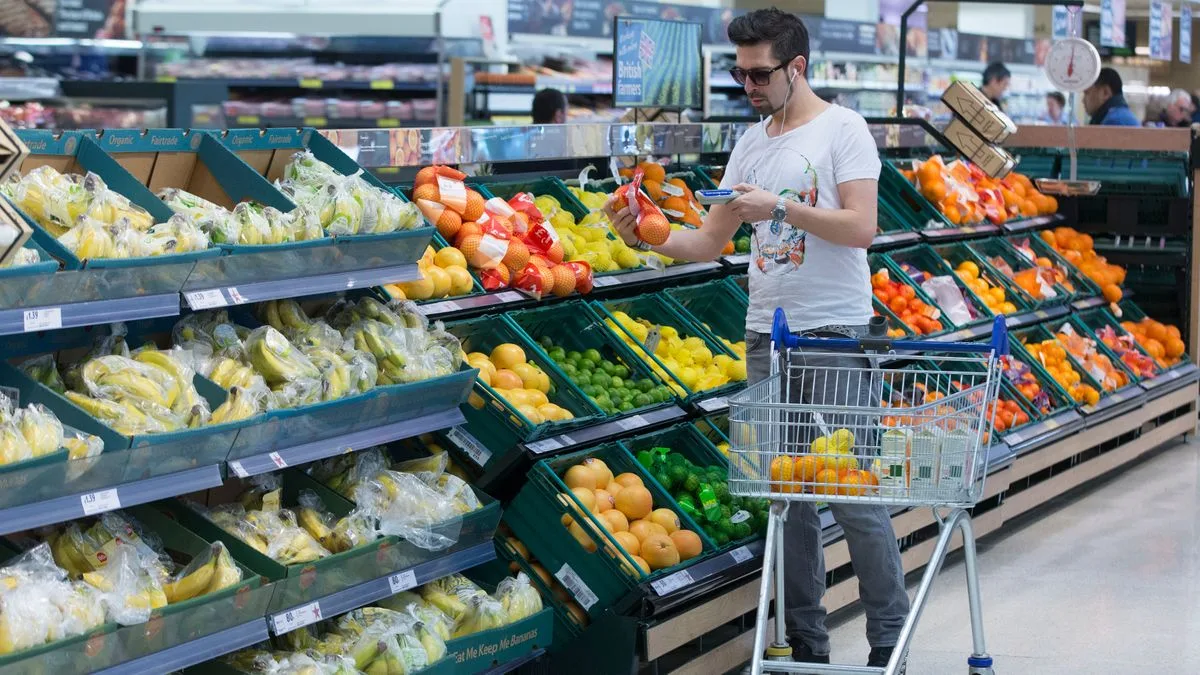
A savvy shopper has shared her amazement after discovering a feature that makes navigating Tesco stores considerably easier and less time-consuming. Since 2010, Tesco has offered a Scan as You Shop service, allowing customers to use their Clubcards to obtain a handheld scanner. Shoppers can scan items as they browse, bag their goods while shopping, and monitor their running total before reaching the checkout.
However, many customers may be unaware that the supermarket recently introduced an enhancement that makes the scan-as-you-go experience even better. In October 2025, Tesco launched the ability to transfer your shopping list directly onto the scanners. This feature also assists shoppers in finding specific products by indicating which aisles they are stocked in.
Buanann Rafferty, from Northern Ireland, is among the numerous astonished customers who have only just cottoned on to this hack. She discovered it by chance during a recent grocery trip to her local Tesco and quickly took to TikTok to share her findings. 'I was today years old when I discovered this,' she said. 'You can scan your Tesco app and put your shopping list into the scanner... This has changed my life.'
Other viewers were equally amazed. One person responded: 'You mean I've memorised my Tesco layout and shopping list for nothing.' Another commented: 'You know you're getting old when you're excited over shopping haha.' However, not everyone was won over. One individual highlighted an even simpler method: 'I just get it all delivered for like two quid.'
After requests to explain how to sync a shopping list to the Tesco scanner, Buanann provided a step-by-step tutorial. You need the Tesco app installed on your mobile. Then, create an in-store shopping list, found in the 'in store' section of the app. Once at Tesco, head to the scanner wall and unlock your device using the Clubcard in the app. Select the List tab on the device, which will display your shopping on screen. It will automatically tick items off as you scan them, and you can check stock levels and whether any products are out of stock. When finished, simply proceed to the Scan as you Shop till to pay.