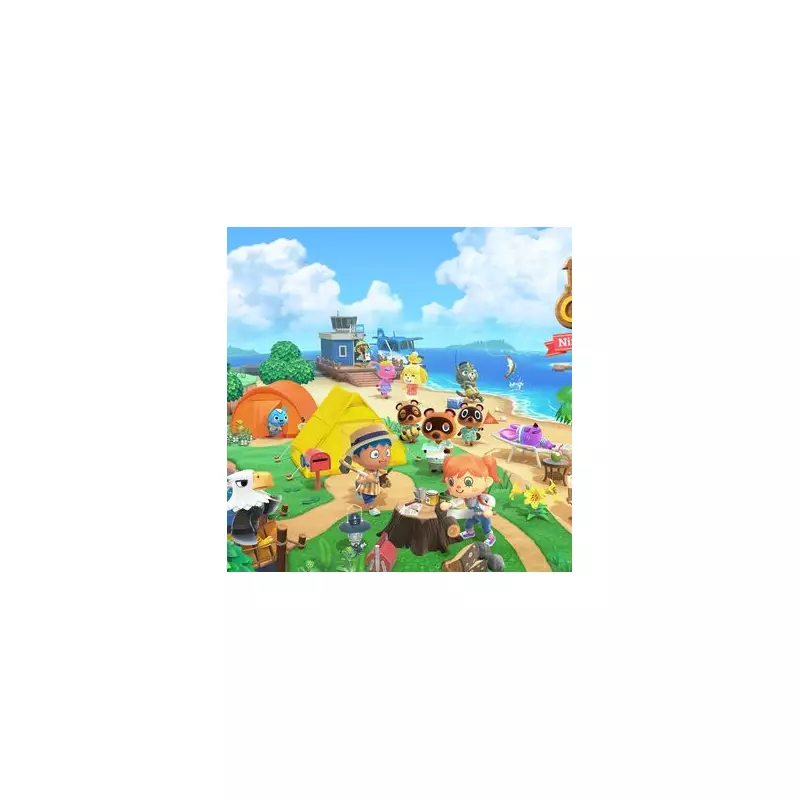
Nintendo Switch owners can now bring their beloved Animal Crossing: New Horizons islands with them to the next generation. With the imminent arrival of a dedicated Switch 2 update for the six-year-old life-sim, a free tool is available to seamlessly transfer your entire island paradise.
What the Switch 2 Update Brings
The forthcoming update, detailed on 12 January 2026, is set to inject fresh energy into the game. Key additions include a brand-new hotel for your island and the ability to craft four distinct 'Dream Worlds'. While much of this new content will be free for existing players, accessing the enhanced Switch 2 features requires a small fee of £4.19.
The Essential Island Transfer Tool
Moving your island is not a standard cloud save process. It requires a dedicated, free application called the Island Transfer Tool, which must be downloaded from the Nintendo eShop on both consoles. Gaming journalist Joshua Boyles has outlined the procedure, noting a crucial warning: the transfer will delete the island save data from your original Switch console. Your island can only exist on one device at a time.

Step-by-Step Transfer Instructions
Follow these steps carefully to migrate your island successfully:
- Ensure both your original Nintendo Switch and your new Switch 2 are powered on and connected to the internet.
- On each console, download the Island Transfer Tool from the eShop and open it. Both must be logged into the same Nintendo Account.
- On your old Switch, select the 'Source' option. Your island's name should appear on screen.
- On your new Nintendo Switch 2, choose the 'Target' option to designate it as the destination.
- Back on the original console, click 'Proceed' and confirm the target console is listed. Then, initiate the process by pressing 'Transfer'.
Once a success message displays, the process is complete. You can now launch Animal Crossing: New Horizons on your Switch 2 and find your island intact, ready for its next chapter with the new upgrades.