Urgent Security Alert for Popular App Users
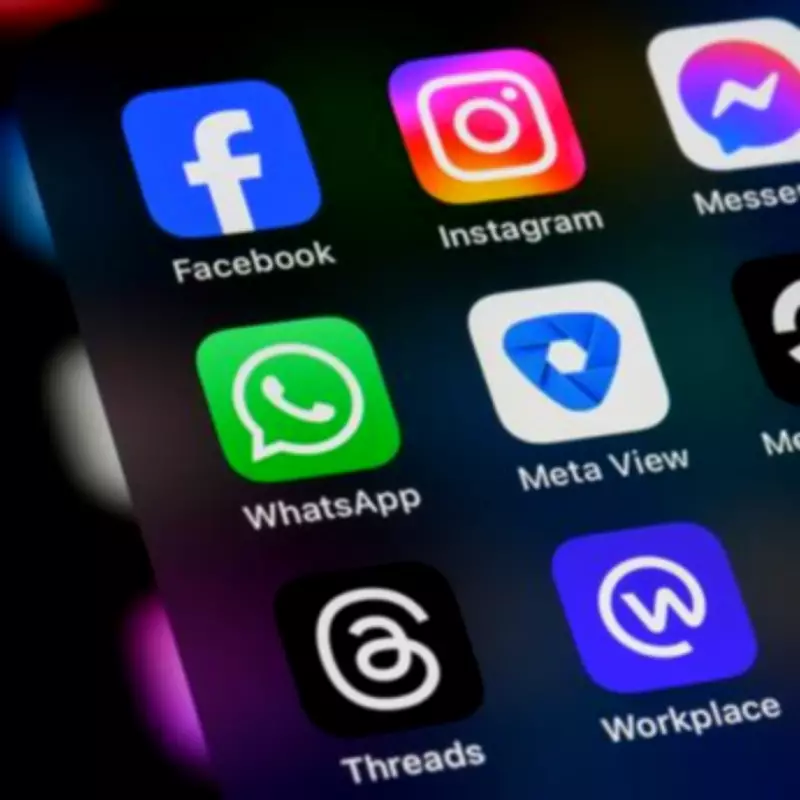
Users of widely-used online applications, including WhatsApp, Instagram, Facebook, Outlook, and Gmail, are being strongly advised to review and update their essential security settings. This critical step, which takes only a few minutes, can significantly enhance protection against unauthorized access to private information such as photos, messages, and personal data. Many individuals who have maintained accounts for extended periods may have overlooked updating these configurations, leaving them vulnerable to potential breaches by scammers or malicious actors attempting to infiltrate social media or email accounts.
Expert Guidance from Consumer Watchdog Which?
In a recent Instagram post, a specialist from the consumer watchdog Which? emphasized the importance of this security measure. They stated, "Take five minutes today to secure these apps on your phone. This is a simple step-by-step guide to enhance your protection on some of the most popular phone apps." The expert highlighted that these applications, which are among the most frequently used smartphone apps in the United Kingdom and globally, come equipped with built-in safety features that a majority of users fail to activate, as reported by the Express.
Implementing these precautions can effectively block strangers and fraudsters from accessing sensitive data stored across various platforms, including emails, photographs, and personal details. The most reliable method to safeguard this information is to enable a feature often hidden within these apps, particularly for long-term users.

WhatsApp: A Primary Communication Service
WhatsApp stands as a leading messaging application in the UK, with approximately 80% of internet users relying on it. According to Ofcom research data, there were over 30 million active users on the platform by late 2021, with projections estimating more than 38.5 million users by 2025. The study further indicates that 65% of UK adults consider WhatsApp their primary online communication service, surpassing traditional SMS text messaging. Given its widespread usage, ensuring maximum security on WhatsApp is paramount.
The Which? expert provided specific instructions: "On WhatsApp, set up two-factor authentication by clicking on 'Settings' and 'Account'. Then, set up a six-digit PIN and a backup email address as an extra level of security. This means that scammers or pickpockets will find it nearly impossible to access your messages or your photos."
Facebook and Instagram: Unified Security Tips
Which? addressed both Facebook and Instagram under consolidated security recommendations, as both platforms are owned and operated by Meta. The specialist advised: "Click your profile and go to 'Accounts Centre'. Tap 'Password and Security' before pressing 'two-factor authentication'. If your Facebook account is linked, you can change the settings for that in the same place."
Gmail, Outlook, and PayPal: Email and Payment Security
The process for securing email accounts varies depending on the application used. For Gmail users, the expert explained: "On Gmail, tap your profile picture, then select 'Manage your Google Account'. Choose 'Security' and then enable two-step verification. Next time you log in on a different device, you'll have to verify it's you via the app on your phone."
Outlook users should sign in via a computer, click their profile picture, select 'My Microsoft Account', then 'Security', and finally 'Manage how I sign in'. Under the 'Additional Security' options, users can activate two-step verification. The expert added: "If anyone tries to sign in from an unknown device, you'll receive a security code via email, text or the Authenticator app, if you have it downloaded."
This Authenticator app is particularly beneficial for regular PayPal users. The PayPal website offers the option to utilize an authenticator app as part of a two-step verification process, adding an extra layer of security to financial transactions and account access.