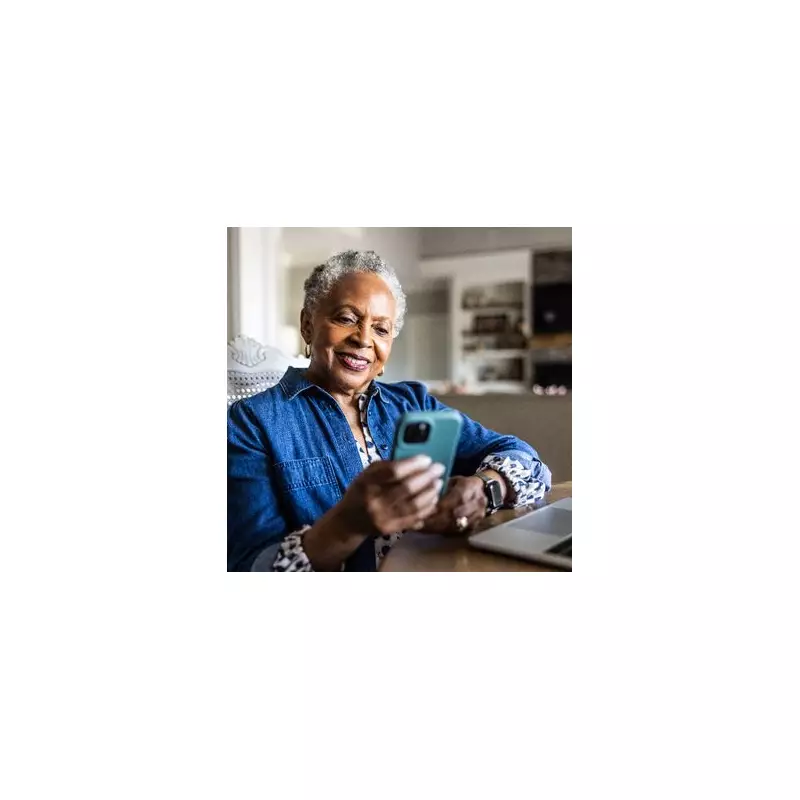
Apple iPhone owners have a powerful but little-known tool right at their fingertips—or more accurately, at the back of their phone. A feature buried in the settings can transform a simple tap on the device's rear into a command to control smart home gadgets, capture screenshots, or launch apps.
Unlocking Your iPhone's Secret Power: Back Tap
This functionality, called Back Tap, is not switched on when you first get your iPhone. It lives within the Accessibility settings and works by detecting a double or triple tap on the phone's back casing. When linked with Apple's pre-installed Shortcuts app, it becomes a remarkably versatile trigger for almost any action you can imagine.
The feature is available on any iPhone model from the iPhone 8 and upwards. To ensure it works correctly, Apple advises users to update their device to the latest version of iOS, which is currently iOS 26.2.

How to Activate and Use Back Tap
Setting up Back Tap is a straightforward process. According to official guidance from Apple, you need to follow these steps:
- Open the Settings app.
- Tap on Accessibility.
- Select Touch.
- Choose Back Tap.
- Pick either Double Tap or Triple Tap.
- Select the action you wish to assign, such as 'Take Screenshot'.
For more advanced automation, you can assign a custom shortcut created in the Shortcuts app. This opens up possibilities like turning a smart light on or off, opening your favourite podcast app, or starting a workout playlist—all with a discreet tap.
Beyond Screenshots: Controlling Your World
While taking a screenshot is a handy use, the true potential of Back Tap is realised through personalised shortcuts. The Shortcuts app provides a vast library of actions that can be chained together into a single command.
This means you could create a 'Good Night' shortcut that, triggered by a triple tap, locks your doors, turns off all your smart lights, and sets a morning alarm. Apple provides a comprehensive guide on building these automations on its official website.
This hidden feature exemplifies how a small setting can significantly streamline daily routines, putting control of both your phone and your connected home literally in the palm of your hand.