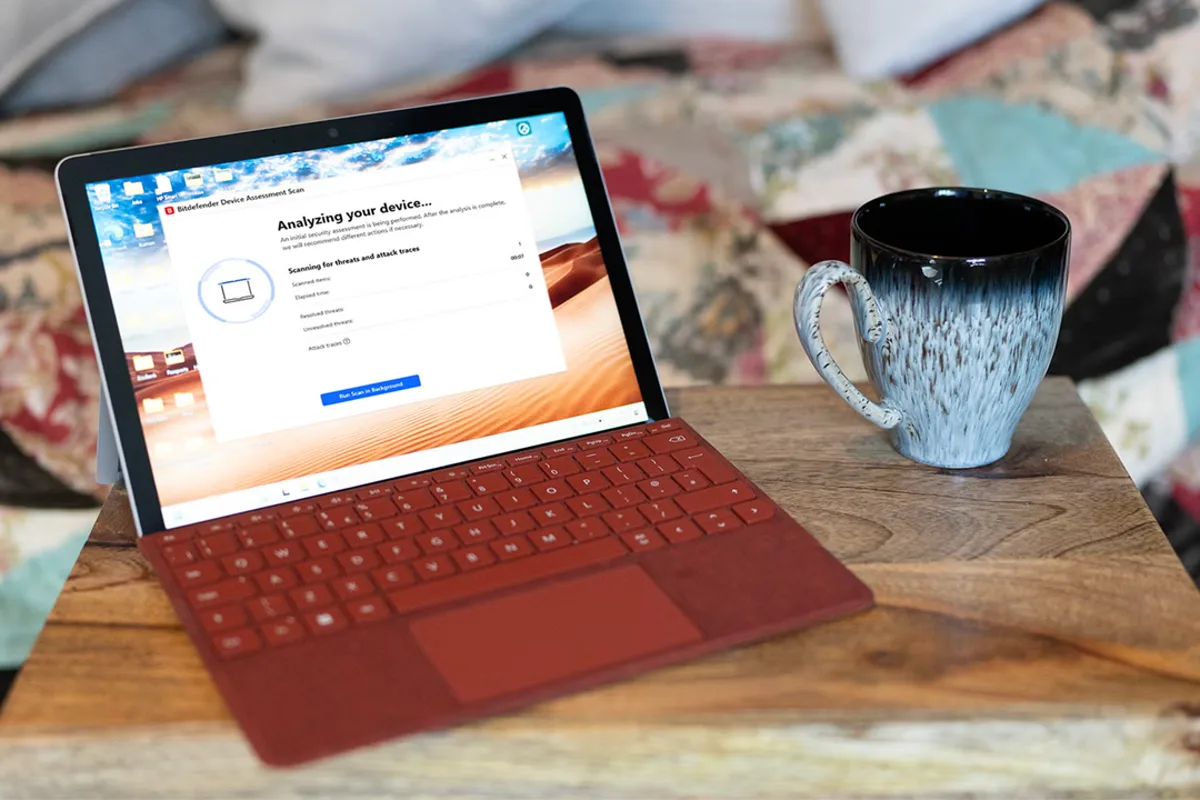
Bitdefender Total Security is a comprehensive antivirus suite that offers robust protection against malware, ransomware, and other online threats. Our expert review puts it through its paces, testing its features, performance, and ease of use.
Features
Modern antivirus applications bundle multiple tools into a single interface, and Bitdefender follows this approach. It sits as a small red icon in your system tray, displaying a “you are safe” message when hovered over. Clicking it opens the dashboard with shortcuts to system scans, recommendations, and links to account management and support.
The Protection tab includes settings for antivirus, online threat defence, and the firewall. Users can leave most features enabled, but if any prevents normal operation—such as the firewall blocking a known safe network service—this is where adjustments are made. For those using Outlook or Thunderbird, Bitdefender’s anti-spam service can filter unwanted messages.
The privacy tab allows activation of the anti-tracker browser plugin for Edge, Firefox, and Chrome, as well as access to the VPN app. A free VPN version is available but limited to 200MB of data transfer daily—adequate for occasional banking or shopping on public Wi-Fi, but heavier users may need a subscription or a dedicated VPN service.
Two additional privacy settings are more intricate: video and audio protection. These prevent malware from hijacking your webcam and microphone. When an application like Teams requests camera access, it appears on a list within Bitdefender, allowing you to grant or revoke access. You can also block all webcam access with a single click.
Safepay is a secure browser for online banking and shopping, isolated from the rest of the system. It uses a VPN and includes an on-screen keyboard to thwart keyloggers. Only available on Windows, it can access passwords stored in Bitdefender’s SecurePass password manager. While elegant, it may be unnecessary on a properly protected system.
Additional features include a desktop widget for Windows displaying protection status, secure file shredding, application profiles for tailored protection, and the ability to remotely lock, wipe, or display a message on a stolen device. The app itself can be password-protected to prevent attackers from disabling its protections.
Performance
On a test PC, Bitdefender’s main interface uses less than 100MB of RAM while idle, compared to Microsoft Teams using 200–500MB. However, a background process can consume over 900MB of RAM and up to 25% of CPU during a full system scan. Updates occur silently, sometimes hourly. While lightweight during normal use, Bitdefender does impact performance during intensive tasks.
A full system scan attempted to scan an entire linked Google Drive account, taking many hours. It successfully detected a trojan in an Android file synced via the cloud. The quick scan lives up to its name, and after an initial deep scan, users can set it to scan only applications, speeding up future scans.
Bitdefender detected all antivirus test files. While Google Chrome’s security often intercepted malicious sites first, Bitdefender’s browser functionality kicked in when the user chose to visit the site anyway. It also assigns green ticks to known safe sites in Google search results (but not Bing) when using Chrome, Firefox, or Edge.
Pricing and Verdict
The Total Security package costs £84.99 per year for up to five devices (Windows, Mac, Android, iOS), with a 41% discount for the first year bringing it to £49.99 at the time of writing. Renewal is slightly less than Norton 360 Advanced. It offers good value for multi-device users over many years. Bitdefender is effective, picking up all suspicious files, and easy to use with an uncomplicated interface. It is a strong offering in the computer security software sector.
How We Tested
Bitdefender was installed on a fresh Windows 11 PC as the sole antivirus, with Microsoft Defender’s periodic scanning disabled. The PC was used for everyday tasks like web browsing, office work, and file downloads, allowing the software to work in the background. Proactive testing included running deep system scans and deliberately visiting antivirus test sites to assess threat detection.
- Features: Evaluated range of features, including video/audio protection, password manager, and Safepay.
- Privacy: Assessed online threat defence, spam filters, and firewall impact on normal PC operation.
- Performance: Tested with antivirus test files to gauge detection effectiveness.
This review is part of IndyBest’s commitment to honest, thorough reviews. Our expert, Ian Evenden, specializes in gaming, computing, science, and technology, and has contributed to IndyBest since 2021.