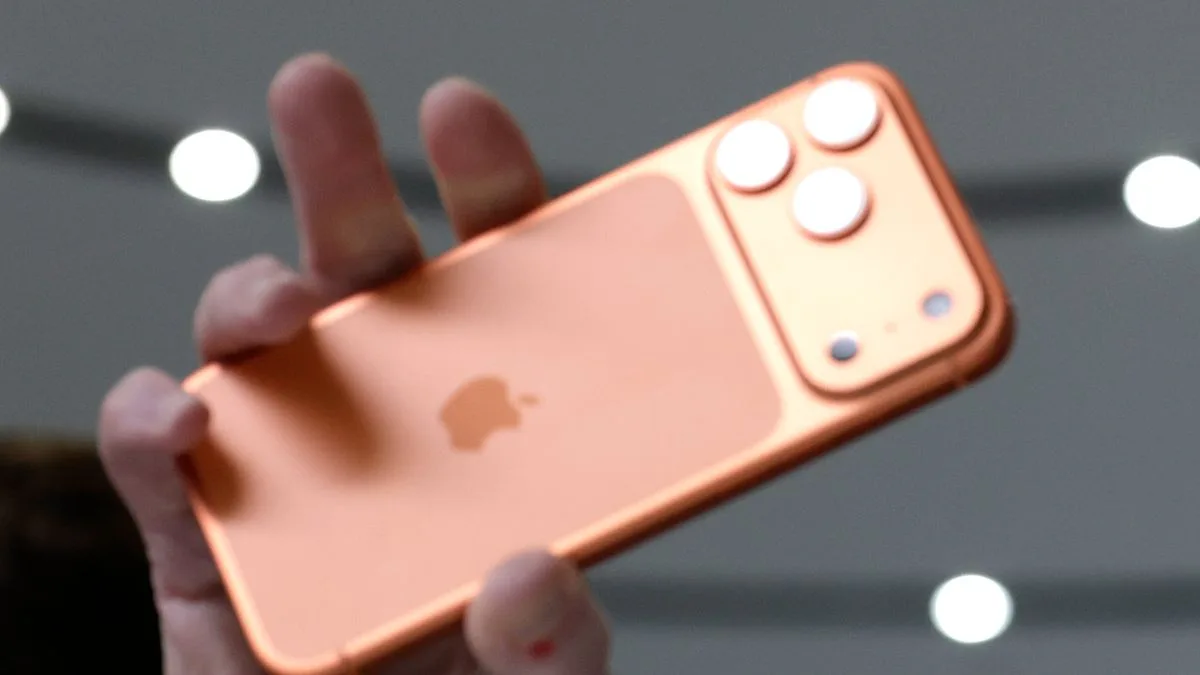
Apple Issues Urgent iOS 26 Update Warning for 29 iPhone Models
Urgent Apple Warning for 29 iPhone Models

Apple has issued an urgent alert to millions of iPhone users across the UK and globally, advising them to install a crucial software update to prevent potential technical problems. The warning, posted on the company's official support page, stresses the importance of acting quickly.

Which iPhones Need the Update?

The technology giant has confirmed that the update, specifically iOS 26, is compatible with 29 different iPhone models. Users who do not download the latest release risk encountering glitches and will miss out on significant new features and security enhancements.

The full list of affected devices is as follows:

  • iPhone 17
  • iPhone 17 Pro
  • iPhone 17 Pro Max
  • iPhone Air
  • iPhone 16e
  • iPhone 16
  • iPhone 16 Plus
  • iPhone 16 Pro
  • iPhone 16 Pro Max
  • iPhone 15
  • iPhone 15 Plus
  • iPhone 15 Pro
  • iPhone 15 Pro Max
  • iPhone 14
  • iPhone 14 Plus
  • iPhone 14 Pro
  • iPhone 14 Pro Max
  • iPhone 13
  • iPhone 13 mini
  • iPhone 13 Pro
  • iPhone 13 Pro Max
  • iPhone 12
  • iPhone 12 mini
  • iPhone 12 Pro
  • iPhone 12 Pro Max
  • iPhone 11
  • iPhone 11 Pro
  • iPhone 11 Pro Max
  • iPhone SE (2nd generation and later)

Apple clarifies that the update will only appear for devices running a compatible software version. "You will only see updates that are compatible with your current software version," the company states, adding that if you haven't downloaded the most recent previous release, you may not see the option for iOS 26.

How to Download iOS 26

Apple recommends backing up your device before proceeding. Users have two main options to obtain the update: enabling automatic updates or manually checking.

To turn on automatic updates, navigate to Settings > General > Software Update > Automatic Updates. Here, you can choose to have updates installed overnight while charging or simply downloaded automatically for later installation.

For a manual install, go to Settings > General > Software Update. If iOS 26 is available, tap "Download and Install" and follow the on-screen instructions.

What's New in iOS 26?

The update brings a host of anticipated features, headlined by the introduction of Liquid Glass. Described as Apple's "broadest design update ever," it aims to create a more unified aesthetic across Apple platforms while highlighting user content.

Other significant additions include a Live Translation tool, privacy updates, and improvements to the gaming experience. The update also contains vital security patches to protect devices from emerging threats.

With the warning issued on 4th January 2026, users are encouraged to act sooner rather than later to ensure their iPhone continues to run smoothly and securely.