Just four years ago, Bambu Lab took the 3D printing world by storm. The company’s printers quickly became some of the most popular 3D machines in the maker community, bringing fast, reliable and relatively beginner-friendly 3D printing to the masses for the first time.
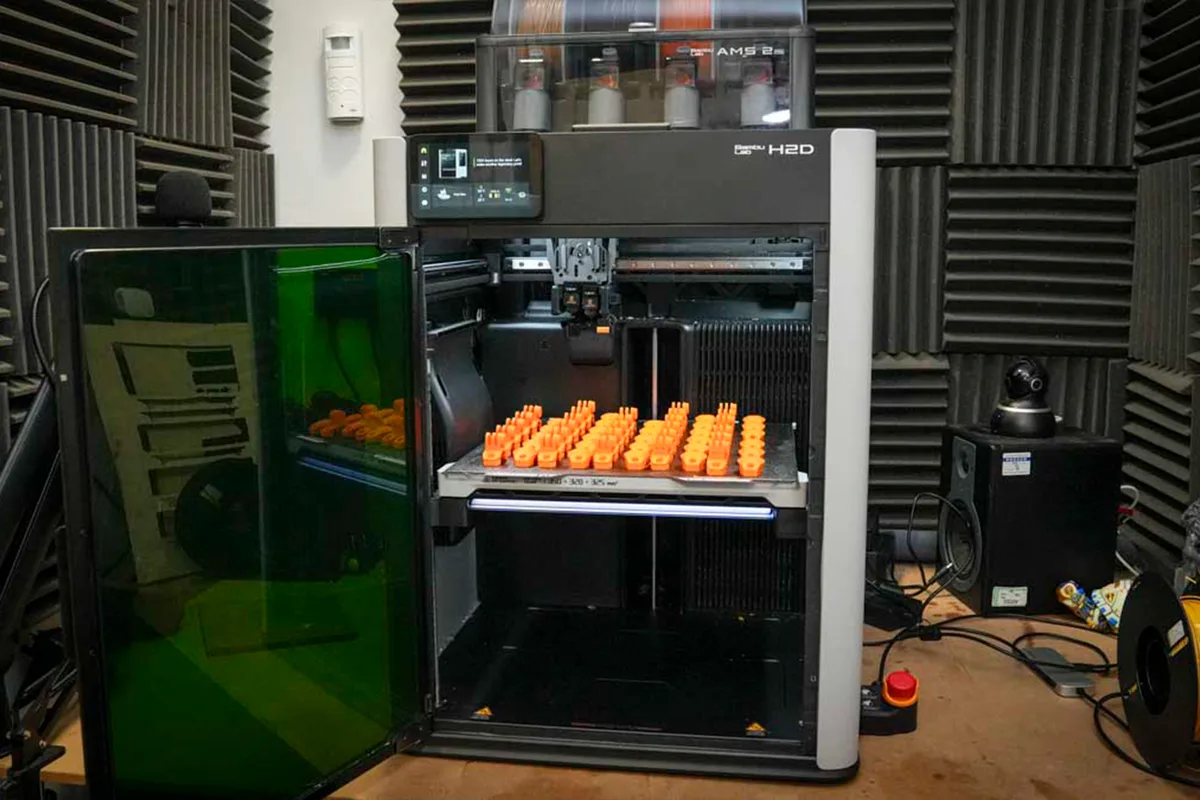
And in March last year, the company did the same thing again with its latest 3D printing workhorse – the H2D laser full combo. But it isn’t just another run-of-the-mill 3D printer, the H2D combines a multifilament 3D printer, laser engraver, cutter and plotter into a single desktop machine, designed to handle everything from prototyping to packaging.
There are two versions available: the standard H2D, focused on advanced multifilament printing, and the laser full combo model I tested here. After several weeks of hands-on use and more than 1,000 hours of testing, I wanted to find out whether the H2D really can live up to Bambu Lab’s ambitious all-in-one solution claims.

Setting up the H2D couldn't be easier. Unlike the fiddly builds of older 3D printers, this machine arrives almost fully assembled straight out of the box. Simply place the AMS unit (the box that holds and automatically feeds the filament into the printer) on top, connect the tubes and cables at the back, and power up. The H2D then takes care of all calibration and setup, guiding you step-by-step through the entire process, including installing the filament.
This is one of the first printers to offer up to five filaments out of the box – four in the AMS multifilament unit and one for standard or specialist materials on the side. These specialist materials, such as carbon-fill and TPU (thermoplastic polyurethane), put far greater demands on printers but offer more flexibility, especially for professional use.
I dived straight in and started printing the benchmarks. One of the big advantages here is that the Bambu Lab software, BambuStudio, is straightforward to use, with plenty of online help to get you started. Compatible with both Mac and PC, you can use it with your computer connected directly, or, if you have the printer in a workshop, you can operate it remotely through your home network.