All households using Freeview are being urged to follow simple advice or risk missing out on a channel upgrade. The popular UK TV platform has confirmed the rollout of an update that brings several changes to the channel lineup and TV guide.
What is changing?
Freeview says that from this week, some broadcasters are making adjustments, so a retune is necessary to keep channels and the TV guide up to date. There are four changes in total. Three current channels have been rebranded with new names, which will now appear when browsing the TV guide.
Rebranded channels
- That’s TV 3 (Channel 71) is now That’s 20th Century, featuring music from past decades alongside iconic shows such as Yes, Minister, In Sickness and in Health, and The Saint.
- That’s TV 3 MCR (Channel 86) becomes That’s 20th Century MCR.
- That’s Classics MCR (Channel 93) is now simply That’s Classics.
New channel launch
In addition to the rebrands, a new channel called That’s Entertainment will launch on Channel 75. Programme listings are not widely available yet, but more details are expected soon.

Freeview states that these updates are part of ongoing changes as broadcasters regularly adjust their offerings to keep content varied and up to date.
How to retune your Freeview device
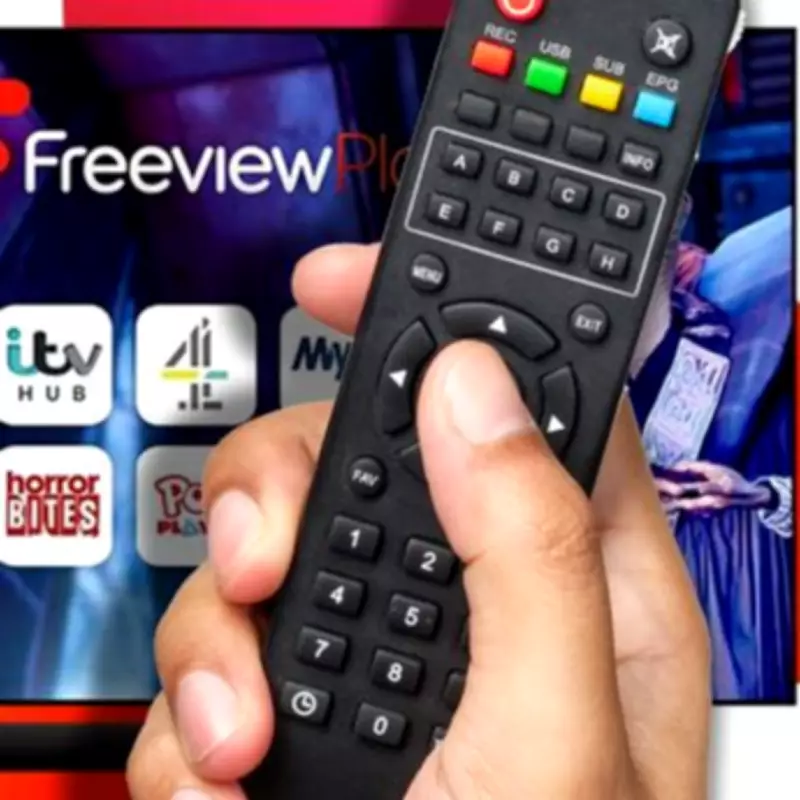
If your TV guide has not updated automatically, you may need to perform a retune. Follow these steps:
- Press the menu button on your remote.
- Go to settings, installation, or a similar option.
- Enter your PIN if prompted (commonly 1234 or 0000).
- Choose first-time installation, factory reset, or full retune.
- Confirm that you are happy to delete existing channels.
Your device will then automatically search for and store the updated channels. While Freeview updates happen throughout the year, this is one of the more significant ones recently, so it is advisable to retune sooner rather than later.