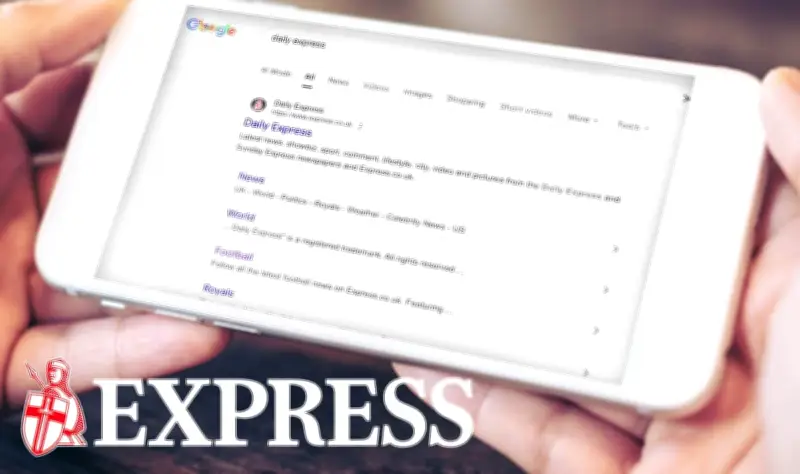
Google has launched a feature called Preferred Sources that lets users customise Top Stories to fit their news preferences. Making the Daily Express a preferred source means readers will see more of its exclusives, top stories and must-read content directly in Google Search and Discover.
How to Add Daily Express as a Preferred Source
To add the Daily Express as a preferred source, users can click a direct link or follow these steps: open Google in the Chrome browser or Google app and search any news topic, such as 'Coronation Street'. Then click the icon to the right of 'Top Stories', type Daily Express in the search bar when prompted, and select Daily Express as the preferred source.
Once done, refresh the browser to start seeing more exclusive and top-tier content from the Daily Express whenever browsing the news on Google Search and Discover.
Troubleshooting the Preferred Sources Icon
If the Preferred Sources icon is not visible next to Top Stories, users should check they are logged into their Google account and refresh the page. The Top Stories box only appears for topics with recent news coverage, so searching for something timely can help. Mobile users should ensure they have the latest version of the Google app installed before trying again.
After those checks, users can return to Google and add the Daily Express as a preferred source to start seeing more top stories and exclusives.