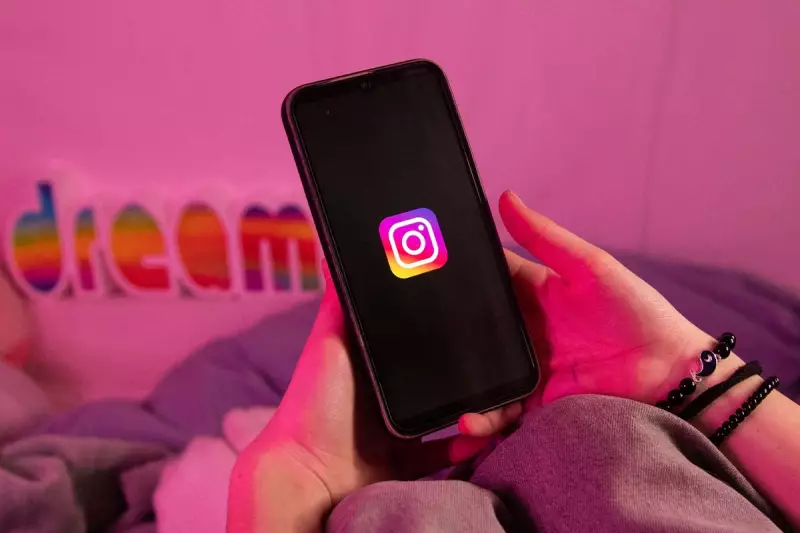
Millions of Instagram users across the globe have been put on high alert after receiving a flurry of unexpected password reset emails, in what cybersecurity professionals believe is a widespread phishing campaign.
The suspicious emails, which began circulating widely, attempt to trick recipients into clicking links that could compromise their personal account information. The timing suggests a direct connection to a recently disclosed data breach.
Official Sources vs. Phishing Attempts
In response to the surge, Instagram's parent company, Meta, has issued clear guidance to help users distinguish legitimate communications from fraudulent ones. The platform confirms that any official password reset email will come exclusively from the sender address '@mail.instagram.com'.

Any message claiming to be from Instagram but originating from a different email address should be treated as highly suspicious and deleted immediately. Cybersecurity analysts stress that these phishing attempts are designed to create a sense of urgency, prompting users to act without thinking.
Link to Major Data Breach
This coordinated wave of phishing emails is not an isolated incident. Security researchers have linked it to a significant data leak that came to light recently. Information from approximately 17.5 million Instagram accounts was posted for sale on the hacking forum BreachForums.
It is believed that the criminals behind the phishing campaign are using email addresses obtained from this breach to launch targeted attacks, knowing that their messages will reach real Instagram users.
Essential Steps to Secure Your Account
In light of this threat, users are urged to take proactive measures to shield their accounts from unauthorised access. Experts recommend a two-pronged approach focusing on authentication and password hygiene.
Firstly, enable two-factor authentication (2FA) on your Instagram account. This adds a critical second layer of security, requiring a code from your phone in addition to your password when logging in from an unrecognised device.
Secondly, ensure you are using a strong, unique password for your Instagram account that is not reused on any other website, especially your primary email account. If your email is compromised, it can be used to reset passwords on all connected services.
Remaining vigilant is key. Always check the sender's address carefully, never click on links in unsolicited emails, and navigate directly to the Instagram website or app if you need to manage your account settings.