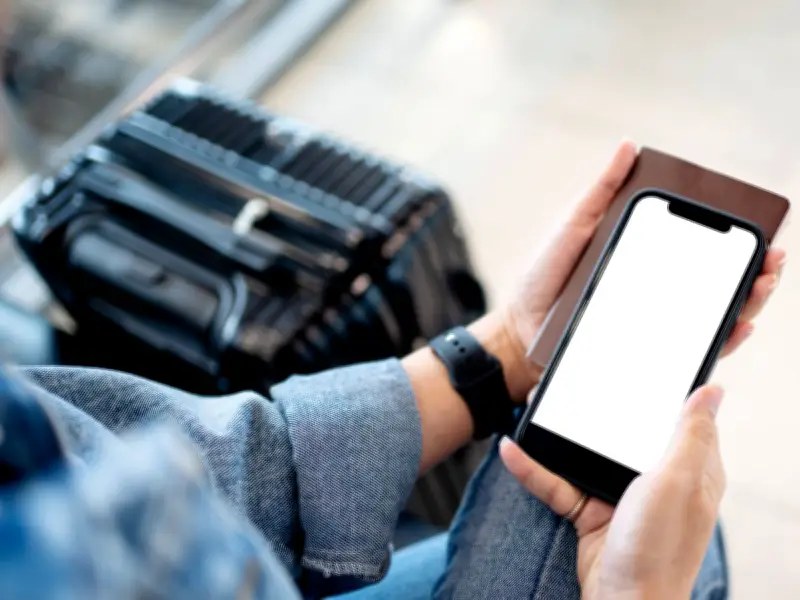
Tourists have been warned to change a simple phone setting before traveling, or risk facing a potential 'major issue' at airports this summer. Failing to disable auto-join for public Wi-Fi networks could expose personal data to cybercriminals.
What is the threat?
William Thackray, IT expert at AGT Computer Services, explained that fake Wi-Fi hotspots, known as 'evil twin' attacks, are becoming more common in crowded public areas like airports. Criminals set up networks with names such as 'Heathrow Free Wi-Fi' or 'Gatwick Passenger Network' that appear legitimate. Once connected, they can intercept data including passwords, emails, and other sensitive information.
'The biggest threat isn't the airport's actual network. It's the fake ones sitting right next to it,' Thackray said. With thousands of distracted passengers searching for connectivity, they make easy prey.

How to protect yourself
The solution is straightforward. Before departing for the airport, access your phone's Wi-Fi settings and disable 'Auto-Join' or 'Auto-Connect' for public networks. On iPhone, you can also navigate to Settings > Wi-Fi and switch off 'Ask to Join Networks'. This prevents your phone from automatically connecting to any available network without your permission.
'Better still, use your mobile data if you have it,' Thackray advised. 'It costs a little more, but it's your own private connection. If you do need to use airport Wi-Fi, avoid logging into anything sensitive like banking, work email, anything with a password - until you're somewhere you trust.'
Other risks and general advice
Airport Wi-Fi is seldom regarded as entirely secure. While it's typically acceptable for reading the news or monitoring flight details, public networks make users susceptible to hackers, phishing scams, and fraudulent hotspots. It is advisable to steer clear of online banking or inputting passwords unless proper precautions have been taken.
This is not the first time such issues have been highlighted to travellers. Previously, other hidden hazards were flagged up to help people stay safe. The general principle: if you did not set up the network yourself, approach it with care. Ignoring this advice could result in serious problems.