Gmail Users Hail 'Life-Changing' Hack to Unsubscribe in Seconds
Gmail Users Hail 'Life-Changing' Unsubscribe Hack

Gmail users are being urged to follow a simple three-step trick to quickly unsubscribe from mailing lists without having to manually visit each site. The hack, shared on social media, has been described as a real 'life-saver' and a 'life-changer' by those who have tried it.

The Problem of Cluttered Inboxes

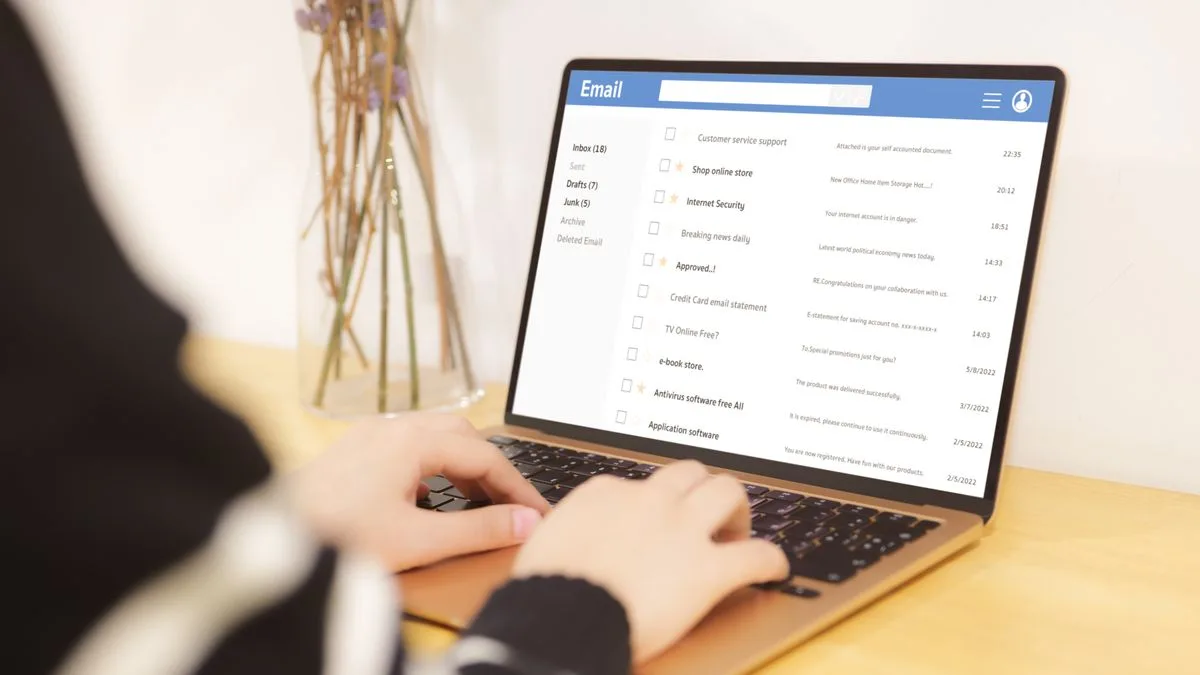
Whenever you buy something online or sign up for an account, you are often asked if you want to receive emails about offers and updates. If you are not diligent about unchecking the boxes to reject mailing list requests, your inbox can quickly become filled with marketing emails you never read. Unsubscribing from these lists usually requires opening an email, scrolling to the bottom, finding the unsubscribe button, and then visiting the company's website to formally unsubscribe.

The Simple Three-Click Solution

Courtney Mangan shared the hack on Instagram, claiming that anyone with a Gmail account can easily unsubscribe from all their mailing lists in seconds. The trick only works for Gmail and must be done on a computer through a web browser, not in an app.

Wide Pickt banner — collaborative shopping lists app for Telegram, phone mockup with grocery list

The first step involves changing the URL of your inbox. When you load Gmail, the final part of the web address will say "#inbox". You need to delete this section and replace it with "#sub". After hitting enter, you will be taken to a screen showing all your active mailing list subscriptions in a big list. Each subscription has an "unsubscribe" button next to it. Click that button, and a prompt will appear asking if you are sure. Click "unsubscribe" again, and you will be immediately unsubscribed from that mailing list.

Reaction to the Hack

Courtney said: "Without a drop of exaggeration, that is actually life-changing. So shout out to [the woman] who shared this hack to begin with, and has just changed my life." In her caption, she added: "Where has this email hack been all my life?"

Commenters on Courtney's video were blown away by the trick. Many said they had no idea it existed, and others said it would save them so much time and give them the motivation to finally clean up their messy inboxes. One person said: "I need this!" Another added: "Where were you all my life? Love this!" A third who tried the hack themselves wrote: "Oh my god, that actually worked. Wow. Thank you!"

Alternatives for Other Email Providers

Other commenters also shared information on how to achieve the same results for different email providers. They said that for Outlook users, there should be a section labelled "subscriptions" in the settings menu, which will take you to a similar screen. For Gmail users on the app, you can also find a "manage subscriptions" menu in the settings.

Pickt after-article banner — collaborative shopping lists app with family illustration