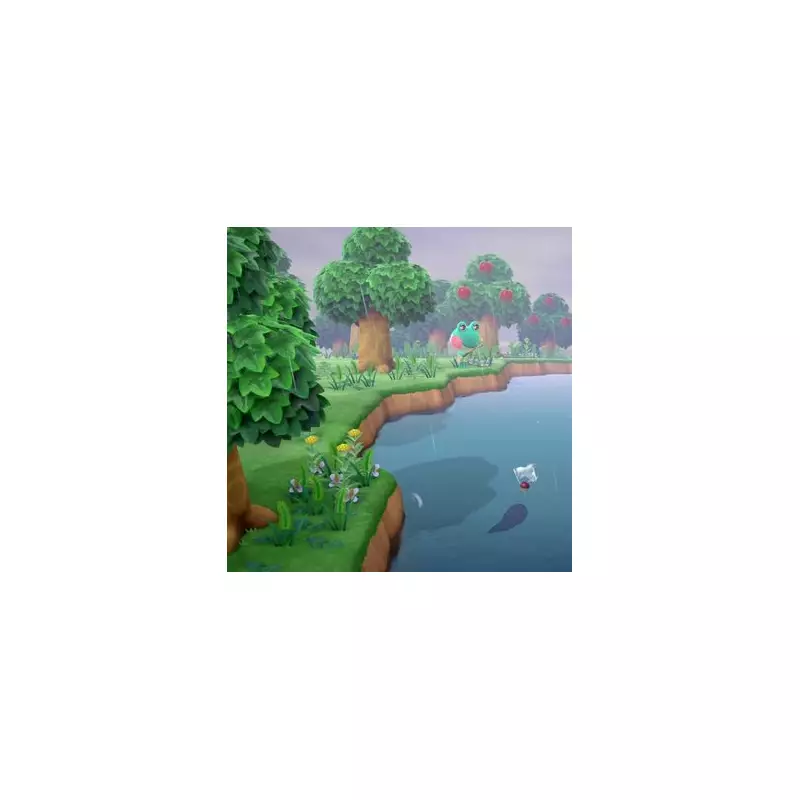
With the arrival of the substantial 3.0 update and the game's native availability on the new Nintendo Switch 2, a fresh wave of players is discovering the charming world of Animal Crossing: New Horizons. For newcomers, one of the first and most crucial questions is often a simple one: how do you save your game?
Unlike many other titles, Animal Crossing employs a unique saving system that lacks traditional save slots. It primarily relies on a robust autosave function, with a specific manual save option that only unlocks after you've progressed past the initial tutorial. This can be a point of confusion for those just starting their island life.
How to Manually Save Your Progress
Once you have access to it, the manual save process in Animal Crossing: New Horizons is straightforward. To bank your progress and safely exit, simply press the '-' (minus) button on your left Joy-Con controller.

This action will bring up a dialogue box on screen asking, 'Ready to wrap things up for now?'. Selecting 'Save and End' will immediately save your game. Be aware that this action also returns you to the game's main title screen, so only use it when you are truly ready to stop playing.
Understanding the Autosave Function
Thankfully, you are not solely dependent on manual saves. The game features a generous autosave system that frequently records your progress in the background, typically around every five minutes or after significant actions.
You can identify when an autosave is occurring by looking for a swirling cluster of blue dots in the bottom-right corner of your screen. This commonly happens after events like making a purchase from Nook's Cranny, donating a new creature to the museum, or completing a major task for a villager.
What If You Can't Save Yet?
If pressing the '-' button does nothing, don't panic. The manual save feature is deliberately locked during the game's opening sequence. Based on player experience, it typically becomes available after attending your first campfire gathering in the plaza with Tom Nook and your new neighbours.
This moment, where Tom Nook suggests you take a nap in your tent, marks the point where the game syncs with real-time and concludes the basic tutorial. If you need to stop playing before reaching this milestone, your progress is still protected.
The autosave is particularly active during this introductory phase. Closing the software will usually see you reload very close to where you left off. For absolute caution, you can also place your Nintendo Switch into Sleep Mode instead of closing the game, allowing for an instant resume. Just ensure your console is connected to power if you plan to leave it suspended for an extended period.
So, whether you're a veteran revisiting your island or a new resident starting fresh on the Switch 2, understanding this saving mechanic is key to a stress-free, idyllic island existence.