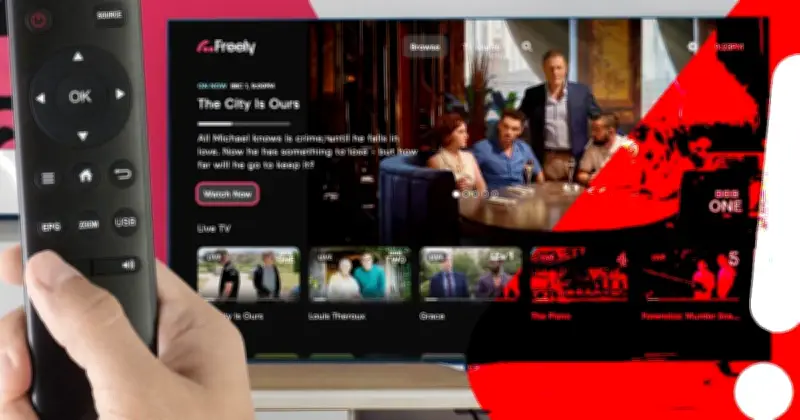
Freely has issued an alert after a glitch caused channels to go offline, urging UK households to check their TV settings. The problem began late last week, with almost all live channels disappearing from screens and being replaced by an error message. Only BBC channels were unaffected by the outage.
Advice from Freely
Freely, operated by Everyone TV, the organisation behind Freeview, has now shared advice for users. The company said: “If you are seeing error Error Code ETV6056, or black screens, across multiple Freely channels, please first try resetting your Freely device and checking your internet connection.
“If you are still experiencing the problem, you may need to carry out a factory reset on your device. This should make all channels available to you again.”
Potential for recurring issues
Although this should resolve the problem, Freely says there is a chance the issues could return and it is currently working on a permanent fix. The company also points out that anyone performing a full factory reset will lose data stored on their TV or streaming device, including recordings, login information, and saved settings.
How to reset your device
To reset a Freely device, visit the Settings menu on your TV or streaming device. The Reset to Factory Default option is usually found under menus such as System, Support, or Device Preferences. Select it and follow the on-screen instructions to complete the reset.
Freely launched in 2024 and offers more than 65 live channels without the need for an aerial. Content is delivered via an internet connection, making installation easier. Features include the ability to pause live TV and receive personalised recommendations. Around two million people now watch TV via Freely, and it is on track to become the UK’s biggest TV platform by 2030.