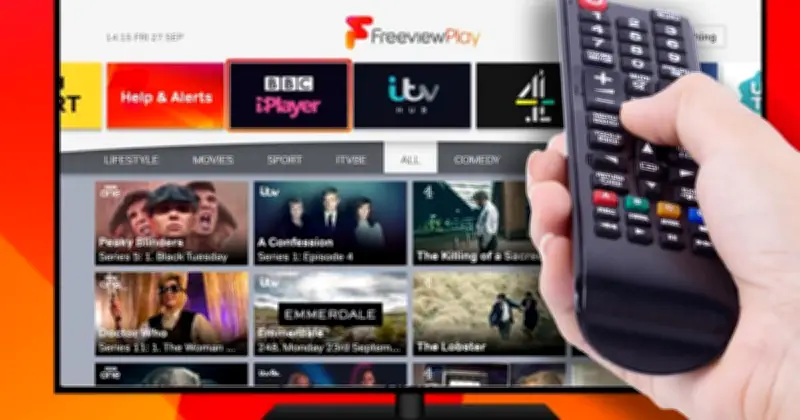
Freeview has confirmed that 14 changes to the TV planner have been pushed out to televisions, with channels being renamed, moved and launched. The free-to-view platform is advising homes to check their settings and retune to receive the updates.
Channel moves and renames
Six services are switching positions. 5DRAMA moves to channel 33, 5ACTION changes to channel 46, That's Classic is now on channel 93, That's MCR moves to channel 79, That's TV 2 MCR is now on channel 80, and Your TV MCR moves to channel 85.
Several channels are also being renamed. 5SELECT (ch33) becomes 5DRAMA, Your TV (ch71) is renamed your TV, Your Music (ch75) becomes Your Xmas, Your TV Extra is now your OLDIES, Your TV MCR changes to your TV MCR, and Your TV Extra MCR becomes Blimey!.
New music channels
Two new music channels are launching: your 80s (ch77) and your ROCK (ch78).
"Some broadcasters are making changes to their channels," Freeview explained. "You will need to retune to update your TV and keep your channels and TV Guide up to date."
How to retune
Freeview said: "Channels are constantly evolving on Freeview with individual channels making the decision to move, add or remove channels. Freeview continues to ensure that audiences can enjoy a rich and varied content."
To retune, press the menu button on the TV or box remote, select 'set-up', 'installation', 'update' or a similar option (the default password is '1234' or '0000'), choose 'first-time installation' (also called 'factory reset', 'full retune' or 'default settings'), and press 'OK' if asked to delete existing channels. The retune should then start automatically, and viewers should save the channels that are found.