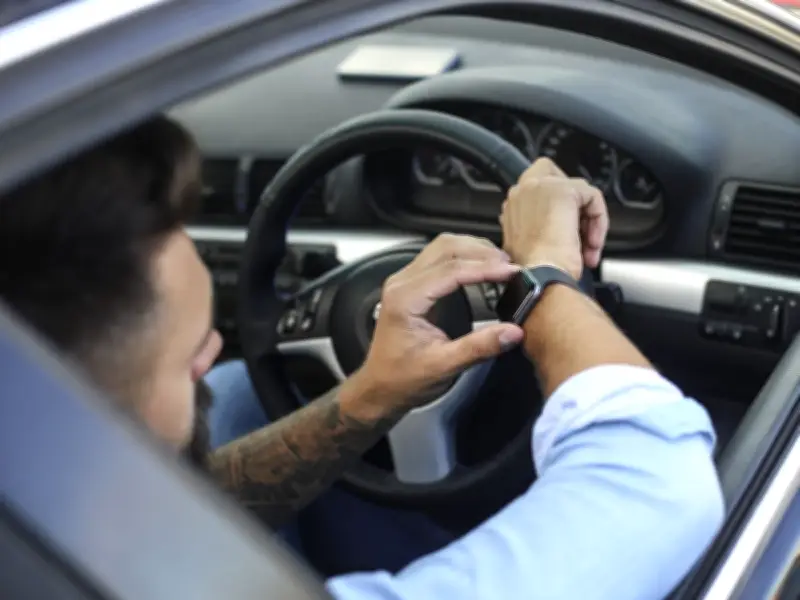
Drivers who wear smartwatches while driving risk a £200 fine and six penalty points, as the law treats these devices the same as mobile phones when used handheld. The RAC, a major breakdown service, warns that any interaction with a smartwatch could lead to prosecution.
Smartwatch Ownership and Usage on UK Roads
The RAC found that 40% of UK drivers own a smartwatch, with ownership rising to 73% among younger drivers. Despite this, many are unaware of the legal risks. A survey by the RAC revealed that over a third (34%) of drivers admit to actively using their smartwatch while driving, potentially putting themselves and others at risk.
In a video, an RAC spokesperson stated: "While glancing at your smartwatch isn't automatically illegal, looking at it, using voice commands or touching it are all potential distractions." The spokesperson added: "If the police think you are using your watch as a handheld device, you could be charged the same penalty as using your mobile phone. That's a minimum of six penalty points and a £200 fine."
Legal Consequences and Potential Charges
The penalty can be reduced if police cannot prove active use of the watch, but drivers may still be charged with driving without proper control. More serious charges include careless driving (not exercising due care) or dangerous driving (driving far below the standard), especially if the smartwatch caused an accident involving injury or vehicle damage.
RAC road safety spokesperson Rod Dennis commented: "In 2022, the Government introduced stricter rules, making any interaction with a handheld mobile phone while driving illegal. Before this, the device had to be used for communication purposes, which made it harder for the police to prosecute." He added: "The case of smartwatches is perhaps an example of technology outpacing legislation. With so many drivers admitting to using smartwatches at the wheel, lawmakers need to get ahead of this issue - and clarify precisely what constitutes 'use' of a smartwatch while driving."
How to Avoid Penalties
The RAC advises: "The rule is simple - if it distracts you, don't do it. Set your watch to do not disturb and drive safely." Both Apple and Android devices offer modes to silence notifications while driving.
For Apple users, the Driving Focus feature automatically silences notifications. To enable it, open Settings, select Focus, add Driving, and set activation to "While Driving" under "Turn On Automatically." For Android devices like Google Pixel or Samsung Galaxy, Driving Mode can be activated through settings. On Google Pixel, go to Settings, Safety and Emergency, then toggle "Silence notifications while driving." On Samsung Galaxy, open Settings, enter Modes and Routines, select Driving, and choose automatic activation via car Bluetooth or smart detection.
As smartwatch ownership becomes the norm, especially among younger drivers, their use on the road is expected to grow. Ensuring clear legislation and enforcement is crucial for road safety.