Nationwide Building Society has confirmed that customers cannot currently pay in cheques online or through its app, and has outlined the steps needed when paying in a cheque by post. The update follows a customer's frustrating experience trying to pay in a cheque at a branch.
Branch and postal options only
At present, cheques can only be paid in at a Nationwide branch or by post. The mutual was asked whether it plans to introduce an app-based cheque deposit feature, as many other major banks already offer. A spokesperson said: "While we don't have anything further to announce at this stage, we're always looking at ways to make everyday banking easier for our customers."
The issue came to light after a customer visited a branch to pay in a cheque. They claimed they initially could not use a cash machine to do so. Staff explained the machine could not process the cheque because the customer had written the sort code and account number on the back. The branch gave the customer a sticker to cover the information so the cheque could be paid in.
No need to write on the back in branch
Nationwide was asked whether writing the sort code and account number on the back is ever necessary when paying in a cheque at a branch. The spokesperson said: "Customers do not need to write anything on the back of a cheque before paying it in as they are scanned and processed electronically through the Image Clearing System."
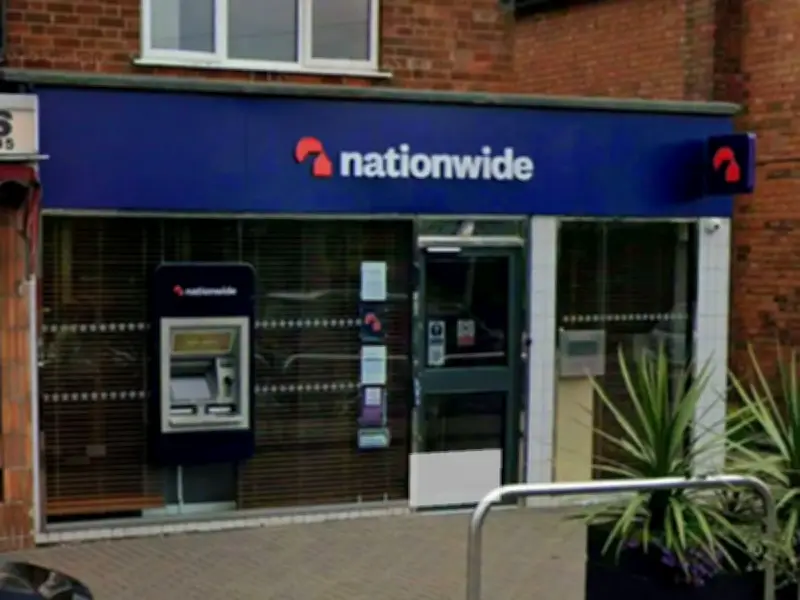
The mutual clarified: "Customers can pay in a cheque at any Nationwide branch in the way that best suits them, either over the counter with the help of a branch colleague or by using an in-branch ATM."
Details needed for postal cheques
However, when sending a cheque by post, customers must write several details on the back. Nationwide guidance states: "We will pay the cheque to the account confirmed on the back of the cheque."
On the right-hand side only, customers need to write: the account holder's name(s), their signature, the date, a preferred contact number, and the sort code and account number, or the savings account number (for example, 1234/123456789, which appears on the card, certificate or statement). The left-hand side must be left unmarked so Nationwide can process the cheque. The guidance warns: "Without all these details, your cheque may be rejected."
Before posting, customers should check the cheque is in date, has been signed and dated, and that the words and figures on the front match.