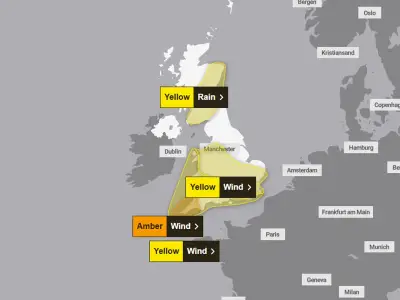
With UK temperatures forecast to climb above 37°C on Wednesday, potentially setting a new record, internet users are being warned that the scorching weather could disrupt their broadband connections. The extreme heat can cause routers to overheat, leading to slower speeds or even complete shutdowns.
Why Heat Affects Your Router
Routers, like smartphones and laptops, are sensitive to high temperatures. When exposed to direct sunlight or placed in poorly ventilated areas, they can overheat, causing performance drops or temporary shutdowns. UK internet provider Virgin Media explains: "Although we test our Hubs carefully at a range of temperatures, they are better off out of bright sunlight, just like your phone or laptop. If the Hub gets too hot, it could slow down your connection or even grind to a halt."
Tips to Protect Your Broadband
To keep your Wi-Fi running smoothly during the heatwave, follow these simple steps:
- Move your router out of direct sunlight – Avoid windowsills or spots where sunlight hits the device.
- Ensure good ventilation – Do not hide the router in a cupboard or enclosed space. Virgin Media advises: "Don't stick the Hub in a cupboard or hidden behind your TV either."
- Place it centrally and elevated – Keep the router in an open area, off the floor, and as central in your home as possible for better coverage.
- Avoid interference – Keep the router away from cordless phones, baby monitors, microwave ovens, and even fish tanks, as water can disrupt Wi-Fi signals.
By making these adjustments, you can help maintain a stable internet connection even as temperatures soar. A warm room alone is unlikely to cause problems, but direct sunlight and poor placement can push the router beyond its limits. Act now to ensure your broadband stays reliable during the heatwave.