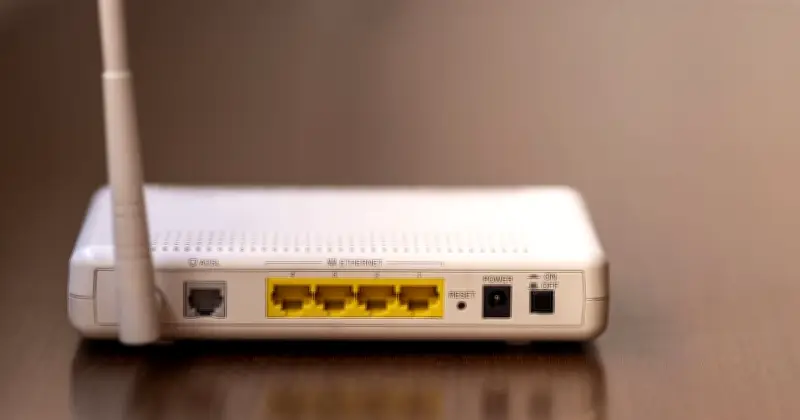
Slow WiFi is often caused by the router's placement near everyday household items, according to experts. Before upgrading to a more expensive broadband plan, moving the router away from certain appliances could solve the problem.
Sam Jenkinson, a garden room expert for Tiger Modular, says items like TVs and microwaves significantly affect WiFi performance. He advised: "When placing your Wi-Fi router, avoid positioning it near thick walls, metal surfaces or large electronics like TVs and fridges, as these can absorb or block the signal."
Which items interfere with WiFi
Jenkinson also highlighted that "devices like microwaves, cordless phones, baby monitors and Bluetooth gadgets can interfere with the connection because they operate on the same frequencies as many Wi-Fi signals."
He added: "Interestingly, mirrors and fish tanks can also disrupt signal strength by reflecting and absorbing the signal. While it might be tempting to hide your router in a cupboard or behind furniture for aesthetic reasons, doing so can dramatically reduce performance."
Best placement for your router
The expert recommends placing the router centrally, elevated, and in the open. He explained: "Think of Wi-Fi like light from a lamp: the more visible and unobstructed it is, the better it works throughout your space."
The appliances to keep the router away from include microwaves, fridges, Bluetooth devices such as smart speakers, TVs, cordless phones, and baby monitors.
Upgrading your router
If WiFi still does not reach certain areas of the property, Jenkinson suggests considering a newer router. He said: "Your router is the heart of your setup. If it's old or outdated, it might not be capable of delivering a strong signal to the far corners of your property, let alone the garden. Upgrading to a modern, high-spec router can dramatically improve coverage and speeds."