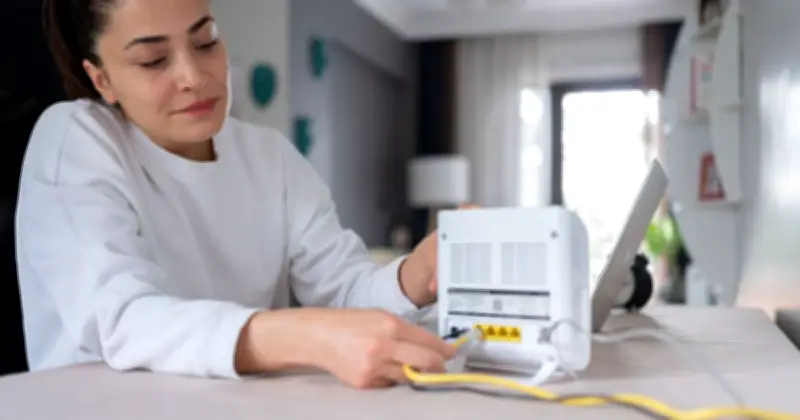
A broadband expert has identified seven common household items that should be kept away from WiFi routers to avoid signal disruption, particularly during winter when festive decorations and increased streaming can strain connections.
Slow WiFi at home often leads people to consider upgrading to a more expensive broadband plan, but the issue may simply be router placement. Experts suggest thinking of a router like a lamp emitting light: if something blocks it, the light cannot pass. The ideal position for a router is out in the open on a relatively high surface, such as a shelf.
Seasonal Interference and Busy Homes
In winter, additional factors can disrupt WiFi signals, including Christmas lights. Piers Murray, broadband expert at Quotezone.co.uk, said WiFi signals can come under pressure at Christmas.
"Millions of us will be sitting down to stream movies or game online, and so a strong broadband connection is essential," he said. "Of course, a wired connection will always be preferable to WiFi, but for many of us that just isn't possible due to the way our homes are configured."
"That means we have to rely on WiFi, but with full houses and busy kitchens, it's little wonder connections can start to buffer. If that happens, it's worth reviewing this checklist of more than half a dozen possible causes to see if homes can alleviate the problems and enjoy a smoother wireless connection and a stress-free Christmas."
Seven Household Items That Cause WiFi Issues
The household items identified as causing WiFi issues include microwaves, Christmas fairy lights, baby monitors, cordless phones and Bluetooth devices, dimmer switches, water pipes, radiators and fish tanks, smart home gadgets, security cameras and video doorbells, and USB 3.0 hubs and cables placed near the router.
Microwaves and WiFi routers both operate on the 2.4GHz frequency band, which can lead to interference. Fairy lights can also interfere with wireless signals, so routers should not be placed close to them. Signals from baby monitors, cordless phones and Bluetooth devices can disrupt the connection as well.
Other Potential Culprits
Murray described dimmer switches as "unlikely culprits" for disturbing WiFi signals, but noted they have "been known to cause interference."
Many smart home gadgets, security cameras and video doorbells connect over 2.4GHz, using up bandwidth and adding competing signals on the same band as WiFi. USB 3.0 hubs and cables placed near the router can emit radio noise in the 2.4GHz range, which can interfere with the router.