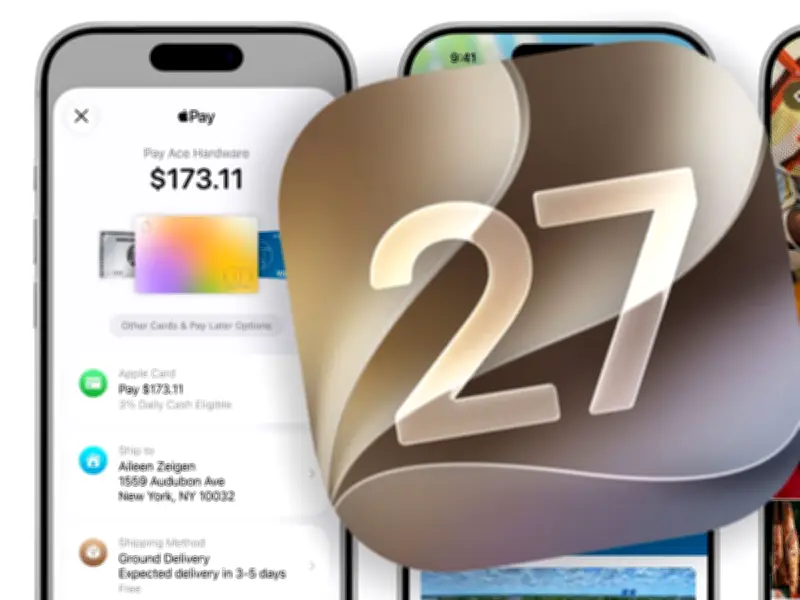
Apple has released the public beta of iOS 27, allowing iPhone users to test the upcoming operating system before its official launch in September. The beta is available now through Apple's Software Beta Program.
How to Get iOS 27 Public Beta
To install the beta, users must sign up at Apple's Software Beta Program website. After enrollment, go to Settings > General > Software Update > Beta Updates and select iOS 27 Public Beta. Apple warns that reverting to a previous version requires a factory reset, so backing up to iCloud or Mac is essential.
Major Siri Upgrade
iOS 27 brings one of the most significant updates to Siri, improving its ability to find information, respond to messages, and handle complex requests. Siri can now organize calendars, create to-do lists, and assist with travel planning. Users can ask questions like, "What flight is mum on today?" and receive detailed responses.

Visual Intelligence in Camera
A new Visual Intelligence mode integrates into the Camera app. Pointing the iPhone at an object provides instant information, such as splitting restaurant bills or getting nutritional insights from food.
Speed Improvements for Older iPhones
Apple claims iOS 27 offers noticeable speed gains across its lineup, especially for iPhone 11 and iPhone 12. Apps launch up to 30% faster, photos load more quickly, and AirDrop transfers are up to 80% faster.
Customizable Interface and New Tools
A new transparency slider lets users adjust the Liquid Glass interface from crystal clear to deeply tinted. Refreshed app icons and upgraded photo-editing tools, including Spatial Reframing, allow repositioning subjects in photos after capture.
Seamless Network Switching
iOS 27 improves connectivity by enabling smoother transitions between Wi-Fi and 4G/5G networks, reducing interruptions when moving between connections.
AirPods Custom EQ
AirPods users gain a Custom EQ feature to fine-tune bass, mid-range, and treble levels according to personal preferences.
Compatible iPhones
iOS 27 supports iPhone 17 Pro Max, iPhone 17 Pro, iPhone Air, iPhone 17, iPhone 17e, iPhone 16 Pro Max, iPhone 16 Pro, iPhone 16 Plus, iPhone 16, iPhone 16e, iPhone 15 Pro Max, iPhone 15 Pro, iPhone 15 Plus, iPhone 15, iPhone 14 Pro Max, iPhone 14 Pro, iPhone 14 Plus, iPhone 14, iPhone 13 Pro Max, iPhone 13 Pro, iPhone 13, iPhone 13 mini, iPhone 12 Pro Max, iPhone 12 Pro, iPhone 12, iPhone 12 mini, iPhone 11 Pro Max, iPhone 11 Pro, iPhone 11, and iPhone SE (2nd generation and later).