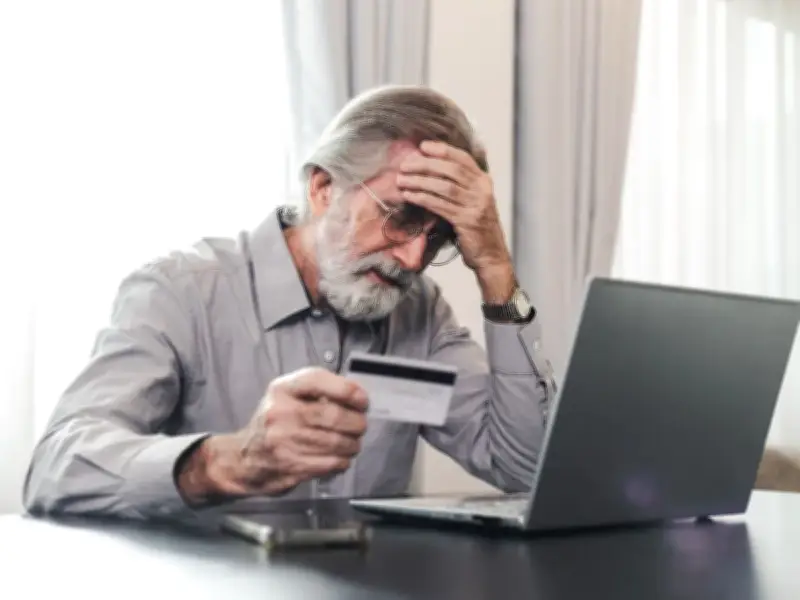
Durham County Council has issued a warning to householders about a new council tax phishing scam in which fraudsters send emails claiming recipients are due a council tax refund. The emails ask people to click on a link and provide their bank details to receive the money.
Council warning on social media
The authority shared the warning on its social media channels, urging people not to click on any links or give out their bank details. Residents have also been asked to check the email address of the sender, as the latest phishing scams are coming from no-reply@plantabird.com.
The council's message said: "We have been made aware of a new council tax scam. Individuals are receiving emails from no-reply@plantabird.com claiming that they are due a council tax refund. The email prompts recipients to click a link or button and then provide their bank details in order to receive the alleged 'refund'. DO NOT click the link or enter bank details."
How to spot a scam email
Report Fraud has also shared information regarding various scams in the UK. Regarding phishing, it explains: "Cyber criminals use fake messages as bait to lure you into clicking on the links within their scam email or text message, or to give away sensitive information (such as bank details). The email might have branding to make it look like it comes from a business or organisation you already have a connection with – your bank, your doctor, a tradesperson or HM Revenue and Customs (HMRC). Or it might appear to come from a business you'd be interested in buying from – a holiday company or fashion brand."
With the rise of artificial intelligence (AI), fake emails are getting more convincing all the time, but there can still be signs that an email isn't genuine. Report Fraud lists several things to look out for: an amazing, time-limited offer or strong encouragement to 'click here/now'; an email that doesn't use your name; spelling and grammar mistakes; imagery or design that looks familiar but doesn't feel quite right; an unusual email address; encouragement to click on an unknown link; and a request for you to share personal data.
What to do if you suspect fraud
The experts advise: "If you've seen something that doesn't feel right, STOP!" Break the contact – don't reply, click on any links, call any phone numbers or make any payments. Then check if it's genuine by contacting the organisation directly using an email address or phone number you know is correct, for example from your utility bills, via a search engine, on the back of your card or by calling 159 for banks. Before you delete the email, forward it to report@phishing.gov.uk.