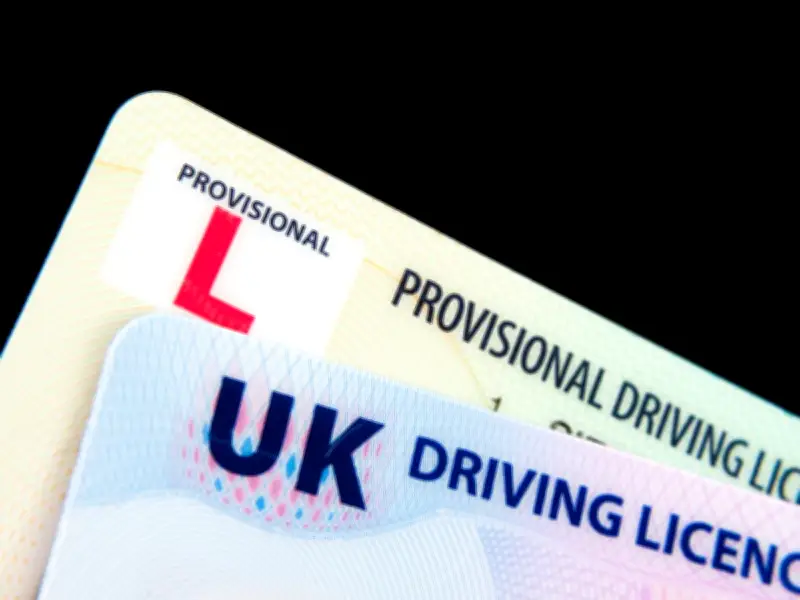
Rules for booking and managing car driving tests have changed for learner drivers in the UK. The changes apply only to car driving tests and were introduced in stages.
Limits on test booking changes
From March 31, learner drivers can make only two changes to their test booking, down from the previous six. If more changes are needed, the test must be cancelled and a new one booked. A full refund is given if cancellation is at least 10 full working days before the test date.
Who can book the test
Only the learner driver can now book the test. Previously, a driving instructor could book on behalf of a student. The learner is the only person who can manage the test and make changes.
Ban on unofficial booking services
From May 12 2026, using unofficial services to search for test slots is banned. Only the official DVSA booking service can be used. The DVSA monitors the service and can cancel bookings and suspend online access if terms are broken.
Restrictions on moving test centres
From June 9 2026, a test centre move can only be made to one of the three nearest centres. Previously, any centre could be chosen. For existing bookings, the rule applies to where the test was booked on June 9, not the original booking.
Before booking and helping others
Before booking, learners must agree with their driving instructor that they are ready and note the instructor's number. The DVSA guidance states that friends or family can help someone book and manage their test, but the learner must be present and complete as many steps as possible themselves.
For driving instructors, the guidance says: "It's now against the law for you or anyone else to book a test for your pupils. You're also not allowed to change, swap or cancel a driving test for someone else."