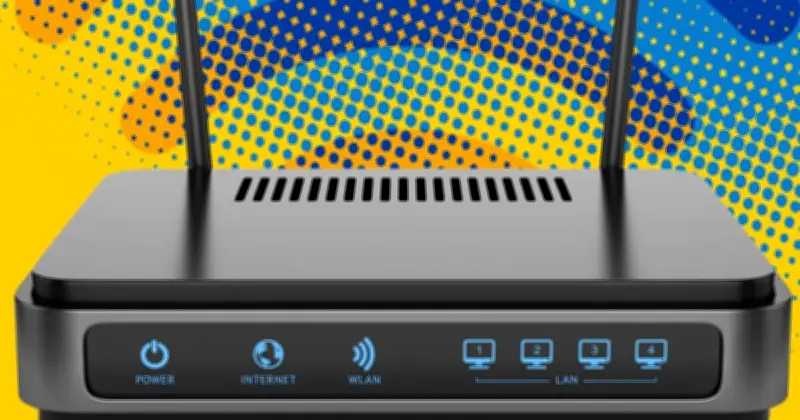
UK homes struggling with slow broadband speeds may benefit from new advice issued by Ofcom. The telecoms regulator has updated its broadband help page with tips to achieve the best possible internet speeds throughout rooms.
The first and simplest recommendation is to switch off the router, wait a minute, and switch it back on again. A reboot can resolve issues clogging up the line and restore smooth performance.
Reboot devices and check usage
“Try rebooting your router, your Wi-Fi booster or mesh devices, your fibre connection box (ONT) and your phone, tablet or other devices,” Ofcom explained. This process takes a few minutes, and the internet will stop working during the reset, but it is worth trying if there are connectivity issues.

Ofcom also suggests checking whether anyone else is using the Wi-Fi, especially for data-heavy tasks like downloading large game files or streaming high-definition videos. Disconnecting or turning off unused devices can help identify if they are causing the issue.
Consider network changes and provider status
If any changes to the home or network were made just before the issue started, resetting them to their previous state may help. Problems might not be related to home equipment—the Internet Service Provider (ISP) could be experiencing difficulties.
Ofcom advises checking the provider's service status webpage or app, or calling them to find out if an outage is affecting the street or the whole network. Websites such as Downdetector can show if other customers are experiencing similar problems.
Report faults to claim compensation
If broadband is down, it is vital to inform the ISP, as this ensures any compensation owed is paid out. “Your provider is responsible for fixing faults, even if another company like Openreach owns the network,” Ofcom explained.
“Telling your provider about the problem can help get the issue addressed and help you to get any compensation you may be entitled to for the loss of service. Tell your provider when the problem started, if it is constant or intermittent, and what checks and fixes you have already tried. If you can, send a record of when your service dropped and how long each interruption lasted.”