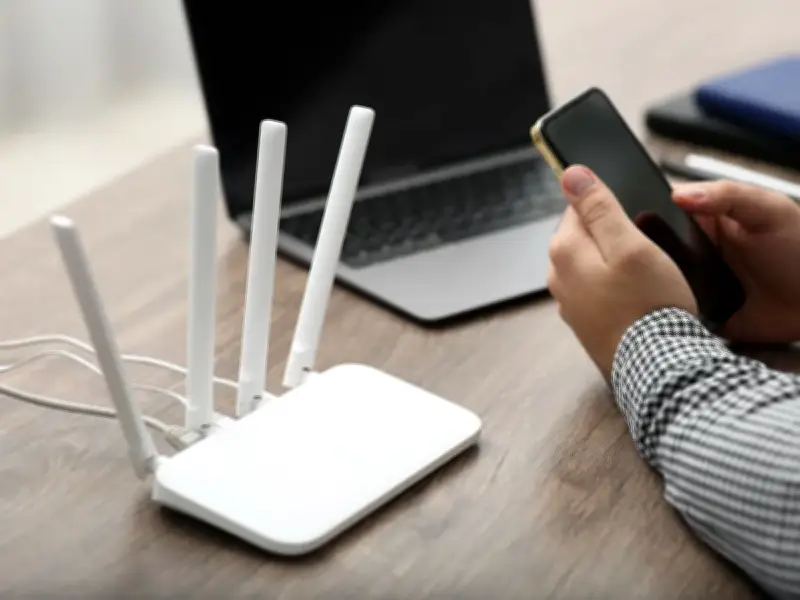
Moving a Bluetooth speaker away from your router could improve your home WiFi connection at no cost. Virgin Media O2 warns that wireless speakers can interfere with WiFi signals, and the broadband provider says other household devices, including cordless phones, baby monitors and microwaves, can also affect connections, particularly when positioned close to the router.
Devices That Can Interfere with WiFi
Ofcom also advises households to keep routers away from other electrical devices and those that operate wirelessly. Its guidance says equipment including speakers, TVs, monitors, cordless phones and baby monitors can affect WiFi when positioned too close to the router.
For anyone who keeps a Bluetooth speaker beside their router, moving the speaker further away is a straightforward thing to test. Virgin Media says its Hub should be kept at least one metre from other devices, while wireless speakers are specifically listed among equipment that can interfere with WiFi.
Router Placement Tips
Where the router itself sits can make a difference, too, according to Ofcom. The communications regulator recommends placing it centrally in the home and off the floor, explaining that WiFi signals can weaken when they pass through objects and certain materials.
Virgin Media similarly recommends keeping its Hub upright and in the open rather than inside a cabinet or surrounded by objects that could obstruct the signal. The provider says positioning it away from other devices can help prevent interference with WiFi.
Limits of the Fix
Moving a Bluetooth speaker will not automatically make a slow broadband package faster, however. Ofcom stresses that WiFi cannot outperform the underlying broadband connection, meaning persistent problems could require help from your provider or a different solution.
So if your speaker and router are currently sitting side by side, there is little to lose by giving them some extra space. Both Ofcom and Virgin Media recommend keeping routers clear of other electrical or wireless equipment, making this a free troubleshooting step worth trying before spending money.