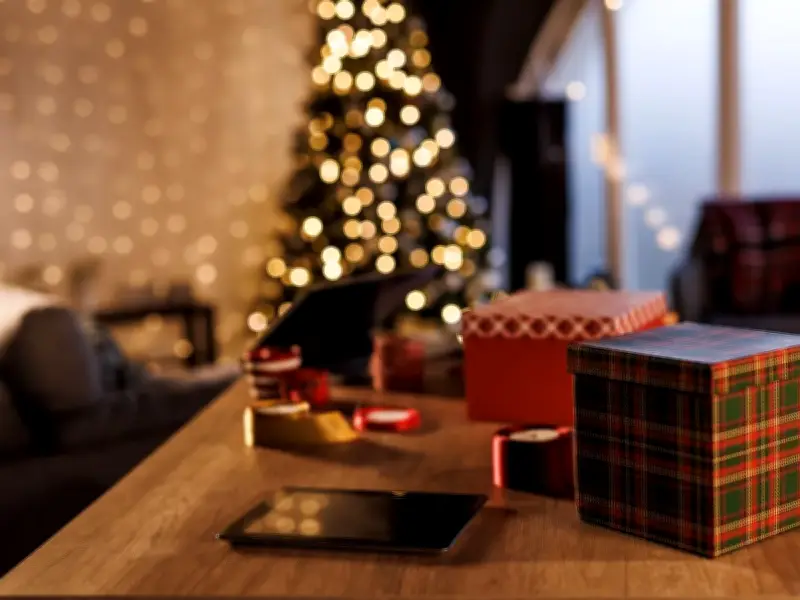
Ofcom has warned households that festive fairy lights and Christmas trees could be slowing their home Wi-Fi, and has advised keeping routers away from electrical devices and decorations to maintain connection speeds.
The communications regulator said several electrical devices can cause interference with a router. It listed halogen lamps, electrical dimmer switches, stereo or computer speakers, fairy lights, TVs and monitors, and AC power cords as items known to affect routers.
Why festive decorations interfere with broadband
Ofcom advised: "Keep your router as far away as possible from other electrical devices as well as those which emit wireless signals such as cordless phones, baby monitors etc." It also suggested placing the router on a table or shelf rather than on the floor, and keeping it switched on.
Broadband Genie echoed the warning, noting that a researcher found her speeds dropped significantly after putting up her Christmas tree. The company said pine needles, branches, lights, tinsel and baubles can absorb and deflect a router's Wi-Fi signal, slowing it and reducing its range.
Researcher Sophie recorded an average download speed of 193Mb before putting up her tree, which dropped to 134Mb after it was decorated. Her upload speed fell from 26Mb to 3Mb, with download speed 31% slower and upload speed 88% slower.
How to prevent Christmas tree Wi-Fi issues
Sophie said she was "shocked" at the difference, adding: "I first noticed when I couldn't receive signal in some parts of our home and my video calls for work were very jittery." She moved the tree away from the router, which made things "a bit better".
Broadband Genie explained that many Christmas tree lights, especially older LED strings, emit electromagnetic interference that can disrupt Wi-Fi signals. It also noted that dense obstacles such as walls, furniture or a large tree can partially block or weaken signals if placed near the router.
To reduce interference, Broadband Genie advised placing the tree at least 1-2 metres away from the router and out of the signal's path. If unavoidable, it suggested placing the router on the other side of the room so the signal goes around the tree.
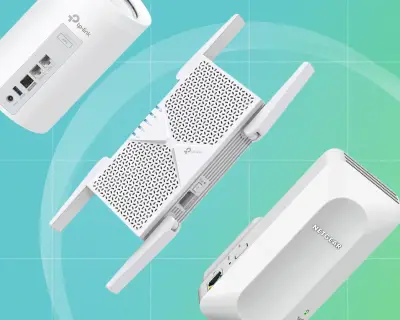
It also recommended placing the router near the middle of the home, on a flat, hard surface raised about 30cm off the floor, away from large objects. Using the 5GHz band can offer higher speeds, and adding a Wi-Fi mesh node or range extender in decoration-heavy rooms may help, along with wired connections such as Ethernet cables for streaming or video calls.