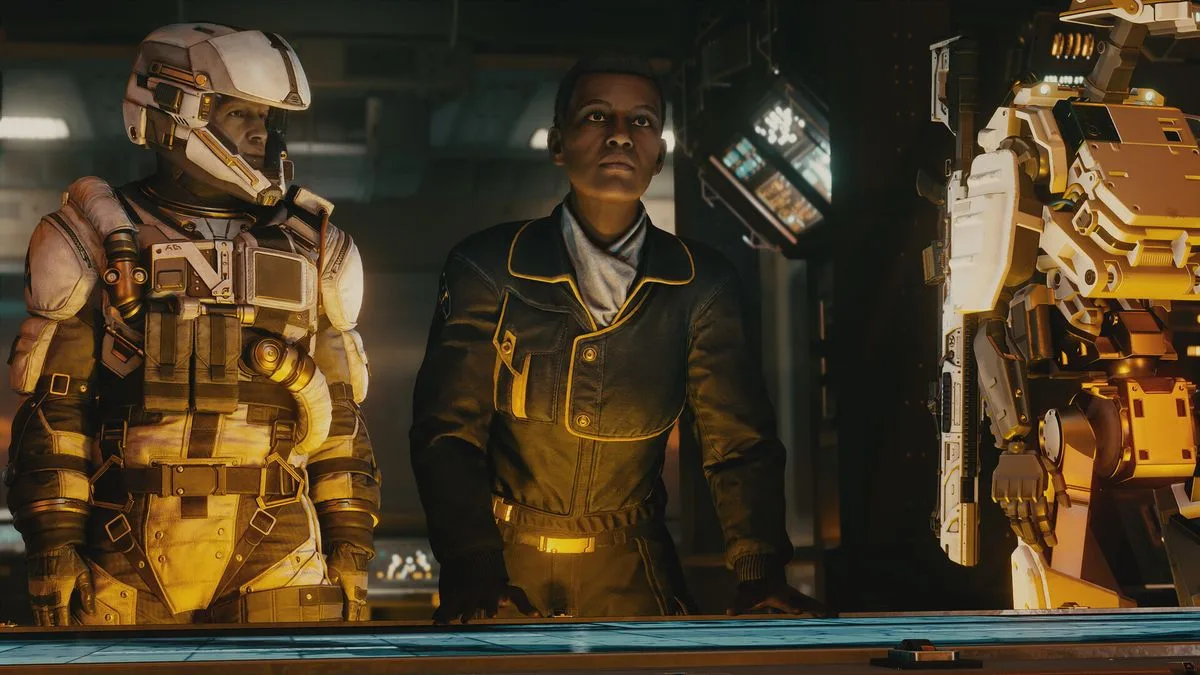
Starfield Terran Armada DLC: Starting the Main Quest Line Guide
Starfield Terran Armada DLC: How to Start Main Quest

The Terran Armada DLC has officially launched for Starfield, introducing a fresh questline that expands the game's universe. Available for download now at a price of £8.99, this expansion is also included in the Premium Edition for those who purchased it at Starfield's initial release. As with typical Bethesda DLCs, starting the new content requires specific in-game actions rather than a direct menu option, necessitating some progression through the main story.

How to Begin the Terran Armada DLC

To kick off the Terran Armada DLC, players must first visit Akila City. This location is part of the main questline, typically accessed after encountering The Constellation while investigating mysterious artefacts. Alternatively, you can head directly to the Cheyene system to reach Akila City without prior interaction with The Constellation.

Accessing the Quest

Once in Akila City, explore the streets to find a terminal on a corner. These terminals regularly broadcast SSNN news, and with the Terran Armada DLC installed, a new broadcast will be added. Listening to this specific broadcast will trigger the 'Attack of the Terran Armada' quest, which will appear in your mission log, allowing you to follow the DLC's main storyline.

Wide Pickt banner — collaborative shopping lists app for Telegram, phone mockup with grocery list

It's important to note that the mission has a recommended level of 50 or higher, indicating it's designed as endgame content. While it's possible to start early in a playthrough, players returning after a hiatus might consider loading an older save file or adjusting the game's difficulty settings to manage combat challenges more effectively.

This guide ensures you can seamlessly dive into the latest Starfield expansion, enhancing your gaming experience with new adventures and challenges.

Pickt after-article banner — collaborative shopping lists app with family illustration