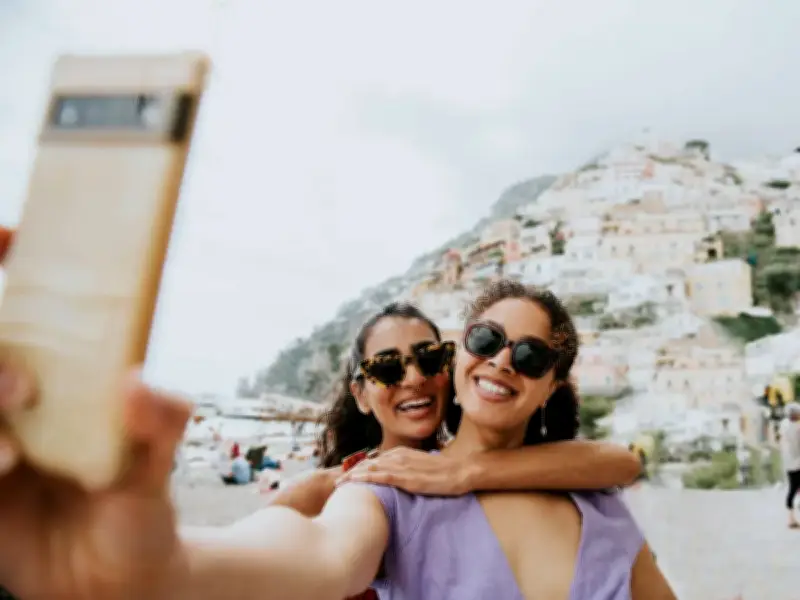
Brits have been warned that scammers could use your holiday pics to trick you into handing over your bank account details.
Antivirus and cybersecurity firm McAfee say fraudsters can exploit holiday snaps posted on Instagram or Facebook by using AI to pinpoint the exact location of your trip - even if you did not tag where you were.
They can then use this information to create a personalised email with specific details about where you were, to try and convince you that your personal details have been compromised.

How the scam works
For example, the email may mention suspicious activity “while traveling internationally” along with the country and location of where you were visiting.
McAfee found some AI models have a more than 90% accuracy rate at detecting the location a photo was taken. The firm tested two publicly available, large-scale AI vision models that are both freely available.
Scale of the problem
Criminals stole £1.28billion through payment fraud and scams in the UK last year, with over 4.1 million reported cases where money was lost. According to data published by UK Finance, total scam cases rose 11% year-on-year.
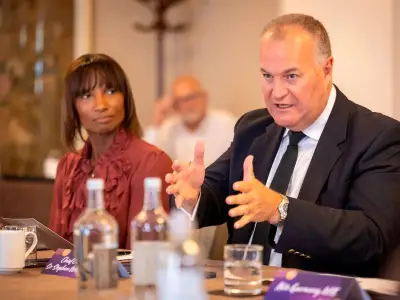
Brooke Seipel, Content Editor in Chief at McAfee, said: “Knowing where someone is or where they’ve recently been is one of the oldest tricks in a scammer’s playbook. But until recently, getting that information required either knowing the person or getting lucky.
“AI removes the guesswork, allowing attackers to build highly specific, contextual scams at scale. With geo-location inference this accurate, scammers no longer need to cast a wide net and hope a generic phishing message lands. Instead, they can use publicly shared photos to build a believable context around an attack.”
How to report scams
Make sure you report scams and fraud to Report Fraud by calling 0300 123 2040, or through the Report Fraud website.
For scam emails, forward them to report@phishing.gov.uk, and for scam text messages, forward them to 7726 for free. You can report dodgy websites to the National Cyber Security Centre.
If you suspect a scammer is calling you, hang up immediately and search for the contact details online of the place you're supposedly being called from.
Never call back the number provided by the caller. Contact your bank straight away if you think a fraudster has got access to your account. You can call the 159 hotline, which will connect you to your bank. Passwords that have been leaked or compromised should be changed immediately.