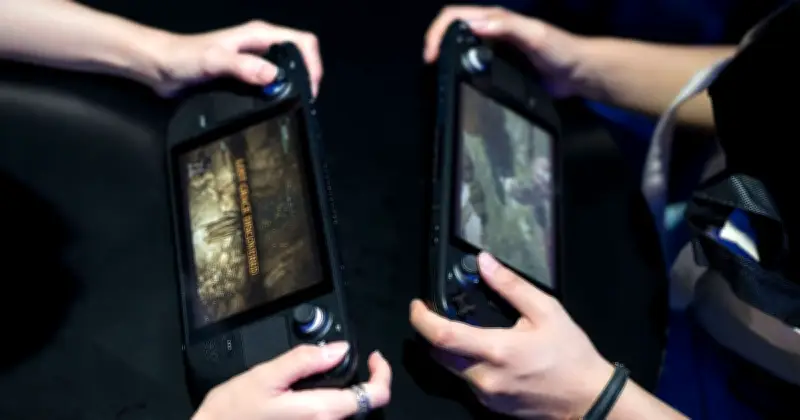
Valve's latest Steam Client update has restored the full set of options to the 'maximise game resolution' setting on Steam Deck, addressing a key complaint from users who connect to external displays or docks. The options are now available under a 'More Options' sub-menu.
Remote Play and Performance Improvements
The update adds 59.94fps as an available framerate limit for Remote Play and reduces frame drops when the framerate is set to automatic. It also fixes offline devices showing as streamable, overloading the client video decoder when unlimited bandwidth is enabled, and mouse coordinates for input-only streaming.
Controller Support Expanded
Steam Input now supports both wired and wireless versions of the PDP Afterglow Wave Controller for Nintendo Switch, as well as Turtle Beach controllers for Nintendo Switch 2. The Steam Controller firmware fixes occasional repeated trackpad samples, unintentionally waking host devices while shutting down, and occasional repeated button presses on the B Button.
General and Desktop Fixes
General fixes include improved notification settings layout in some languages, a crash fix when manually starting a game recording, and a fix for the mouse cursor changing to resize cursor at screen edges. Desktop Mode fixes incorrect UI scale when in Big Picture Mode. Steam Machine now shows Verified information on game capsules and adds a 'Great on Machine' section to the Library.